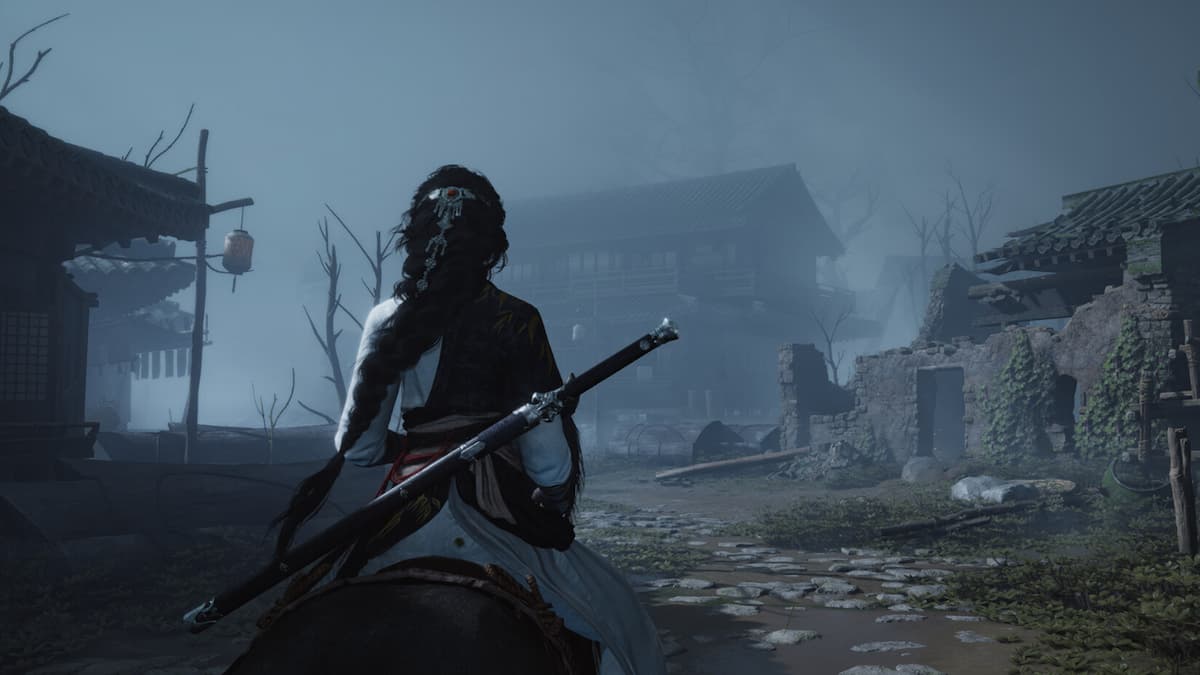
Everyone loves free stuff, no matter how you manage your money! NetEase is currently giving away free items for Where Winds Meet on Twitch, so why not claim them? We’ll show you how if you’re not sure.
The popular action role-playing game, set in the world of Wuxia, has been available on PC, PlayStation 5, and mobile devices in China since November 15th. It will soon be released for Android and iOS devices worldwide on December 12th. No matter how you play, you can get free in-game items by watching streams on Twitch as part of the ‘Where Winds Meet’ Twitch Drops promotion.
Here’s how to earn Where Winds Meet item drops via Twitch.
Table of contents
All Where Winds Meet Twitch drops and how to earn them
From December 11th to December 31st, 2025, you can get five free items in Where Winds Meet by watching Twitch streams. These include two special chests with multiple rewards! Be sure to claim your drops before the campaign ends on December 31st. Here are the details:
| Item | Item name | How to get |
|---|---|---|
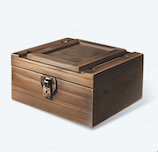 |
Dec 15-min drop, featuring – 30,000 Coins – 1x Internal Art Chest – 30x Echo Jade |
Watch 15 minutes of an eligible live stream on Twitch |
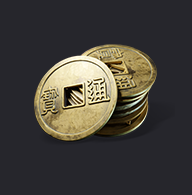 |
20,000 Coins | Watch 30 minutes of an eligible live stream on Twitch |
|
Dec 60-min drop, featuring – 15x Oscillating Jade – 20x Echo Jade |
Watch one hour (60 minutes) of an eligible live stream on Twitch |
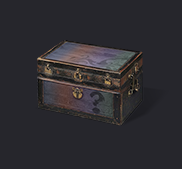 |
3x Internal Art Chest | Watch 1.5 hours (90 minutes) of an eligible live stream on Twitch |
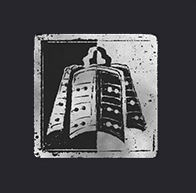 |
Fledging Warrior Badge | Watch 2.5 hours (150 minutes) of an eligible live stream on Twitch |
If you’ve watched the required amount on Twitch but haven’t received a “drop earned” notification, it’s likely just a delay. Twitch sometimes takes a little time to process everything, especially when many people are trying to get drops at once.
To get the in-game rewards, you’ll need to connect your Where Winds Meet account to your Twitch account. We’ve included instructions on how to do that below.
How to link Twitch to Where Winds Meet and claim Twitch drops
Okay, so if you want to connect your Twitch account to Where Winds Meet and snag a free drop, here’s what I figured out you need to do:
- Firstly, make sure you download the game, make a Where Winds Meet account, and create an in-game character.
- Next, open this page on a browser, scroll down, and hit the Log In button.
- Follow the on-screen instructions to connect your Where Winds Meet account to Twitch.
- After this, open Twitch and watch an eligible livestream for the required amount of time. You can see your progress toward drops earned under your profile section. Finally, you should see a notification pop up once you earn the drop.
- Now, hit your profile icon on Twitch and then select Drops & Rewards. You should see the drops you earned show up under the Inventory tab.
- Click on “Claim Now” to successfully claim a drop in-game.
After you claim any drop, you should see it show up in your in-game mailbox within a day.
Read More
- 20 Movies Where the Black Villain Was Secretly the Most Popular Character
- Top 20 Dinosaur Movies, Ranked
- 25 “Woke” Films That Used Black Trauma to Humanize White Leads
- Silver Rate Forecast
- Gold Rate Forecast
- Spotting the Loops in Autonomous Systems
- From Bids to Best Policies: Smarter Auto-Bidding with Generative AI
- 22 Films Where the White Protagonist Is Canonically the Sidekick to a Black Lead
- Can AI Lie with a Picture? Detecting Deception in Multimodal Models
- Top 10 Coolest Things About Invincible (Mark Grayson)
2025-12-11 17:55