Emotes and dances are now a common way for players to express themselves in games – they’re used to celebrate wins, communicate with others, and even playfully intimidate opponents. Here’s a guide to some of the most popular moves across different games and platforms, including how to use them, where to unlock them, and any interesting details. We’ve also included the game studio that created each move, so you know who to thank (or blame!) for the ones you’ve seen all over the internet.
‘Fortnite’ (2017) – Floss
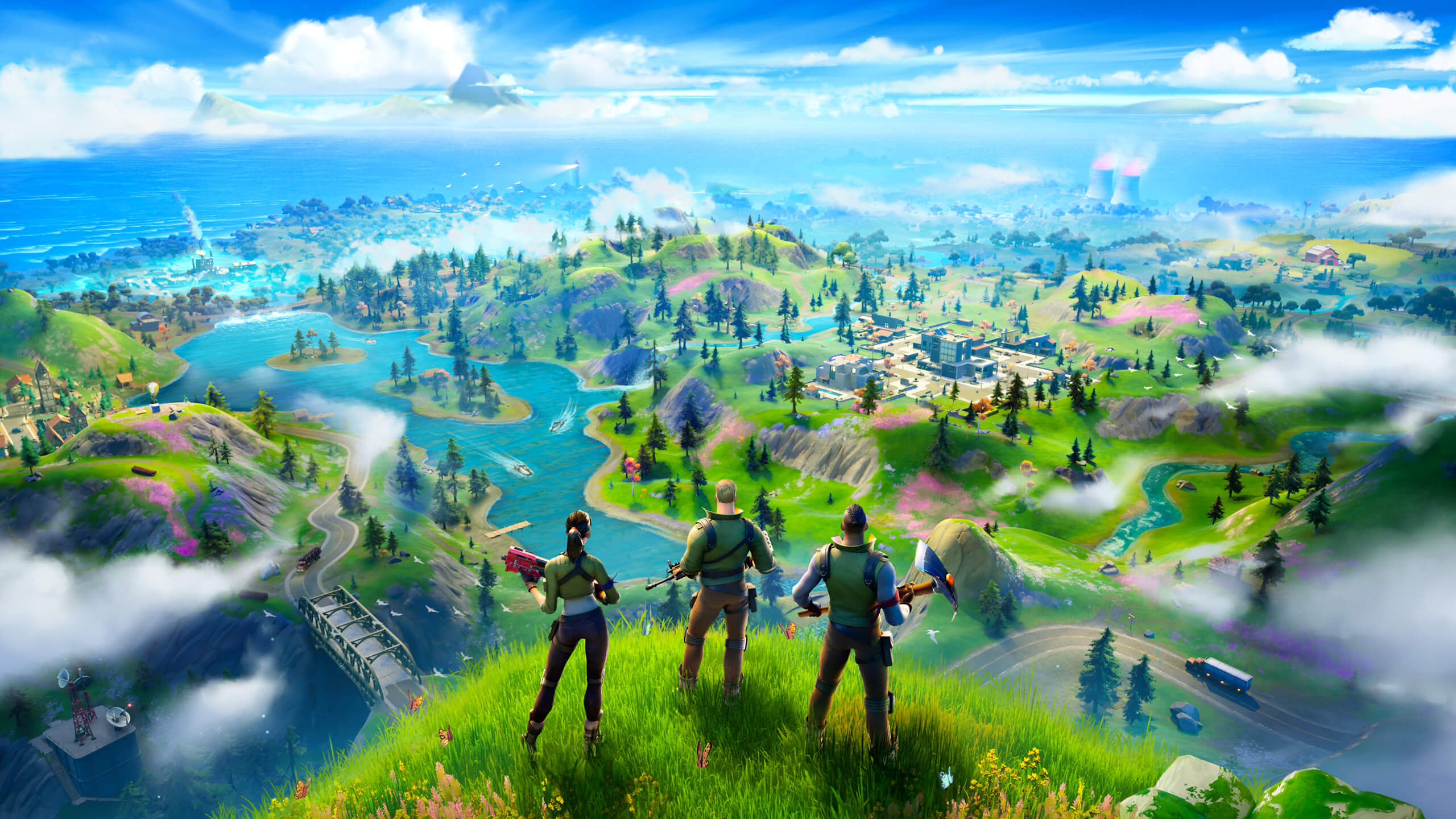
The Floss dance became hugely popular in ‘Fortnite’ when it was offered as a reward in one of the early seasons. It’s come back several times since then, appearing in players’ collections and special throwback events. You can activate it from the emote menu, and it works no matter what weapons or items you’re carrying. It’s purely a cosmetic item – it doesn’t affect gameplay – and can be used in the lobby, while playing, and even when you win! Epic Games controls when the Floss is available, so check the in-game shop or current Battle Pass if you’re trying to get it.
‘Fortnite’ (2017) – Orange Justice
Orange Justice was added to the game after winning a fan-created emote contest, making it an official, permanent emote. Players can favorite it for easy access through the quick-select menu. You can use this emote anywhere emotes are supported, like in creative maps and the main lobby. Epic Games has occasionally made it available and then temporarily removed it through Battle Pass seasons and special item shop offers.
‘Fortnite’ (2017) – Take the L
“Take the L” is a popular and easily recognizable emote featuring a hand gesture. It plays a short, repeating animation and is often used to playfully taunt opponents. You can use it both during gameplay and after winning a match, but it doesn’t give you any competitive edge. Whether you own this emote depends on if you previously purchased it through the Battle Pass, as it sometimes appears in the item shop. Epic Games considers it a cosmetic item with standard usage rules in all game modes.
‘Fortnite’ (2017) – Dance Moves (Default)
The ‘Dance Moves’ emote is automatically given to all players when they create an account, letting anyone express themselves right away. It’s always available in your emote collection and can’t be deleted, making it a dependable option for challenges that require using an emote. The dance repeats continuously but stops when you move or perform other actions. It’s included on all gaming platforms and works with any controller or input method, ensuring a consistent experience for everyone.
‘World of Warcraft’ (2004) – /dance
Using the command /dance makes your character perform a unique dance animation, tailored to their race and gender. You can do this anywhere – in open areas, cities, or social hubs. The dance is visible to you and nearby players, and you can perform it repeatedly as long as the animation finishes. It generally works in safe zones, raids, and cities, unless a specific event prevents it. Blizzard ensures the /dance command and character appearances remain consistent across all versions of the game.
‘Final Fantasy XIV’ (2013) – Manderville
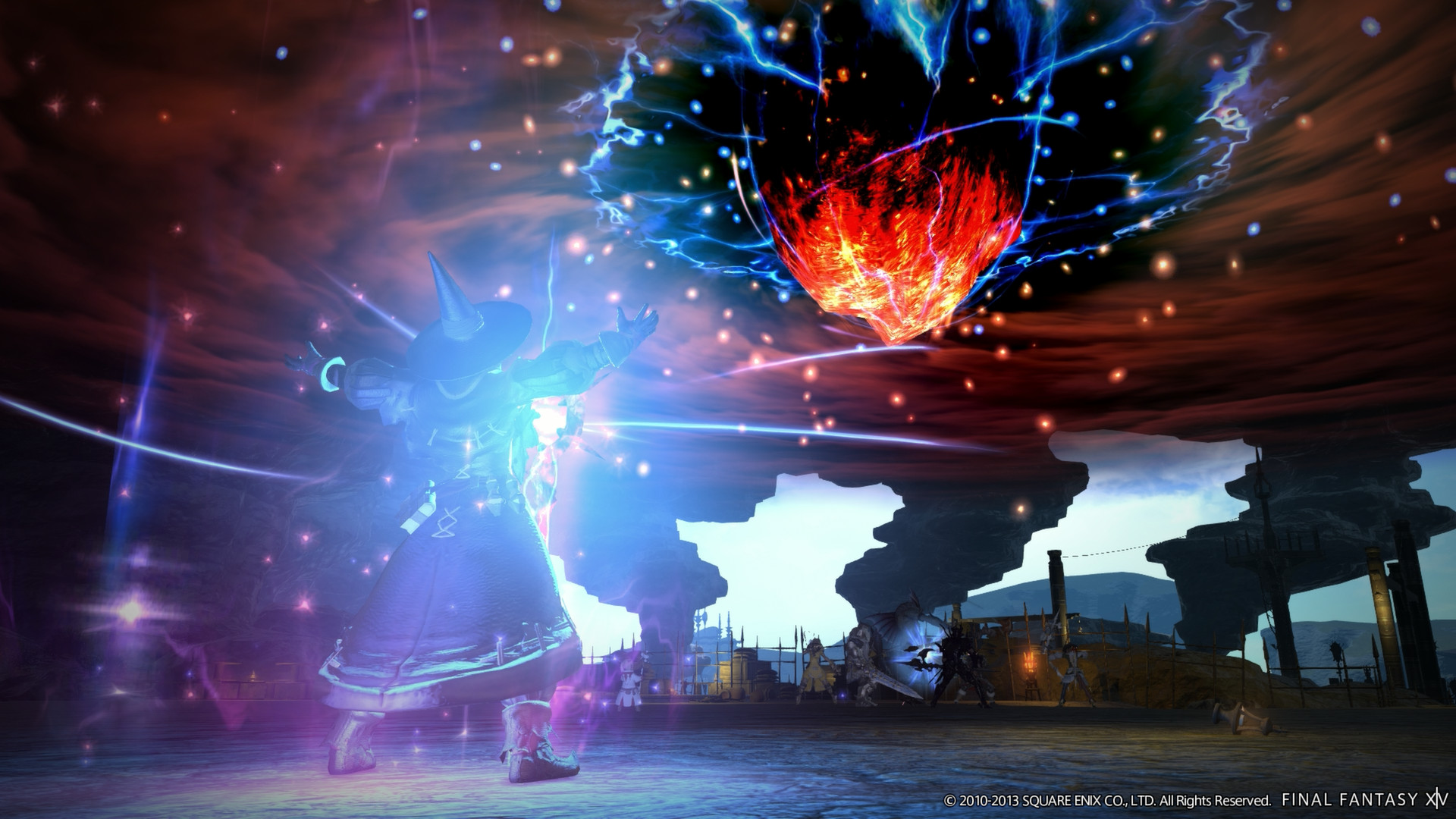
Okay, so I finally unlocked the Manderville emote! You get it by playing through the Hildibrand quests – seriously, that storyline is hilarious. Once you’ve done the quest, the dance shows up in your Emotes menu, and you can even put it on your hotbar for easy access. I’ve been using it everywhere – in my house, out in the open world, and even in the cities. It doesn’t work in dungeons or trials, though, which makes sense. The best part? Square Enix made it so once I unlocked it on one of my characters, it’s available on all of them on the same platform, which is awesome!
‘Destiny 2’ (2017) – The Carlton (Enthusiastic Dance)
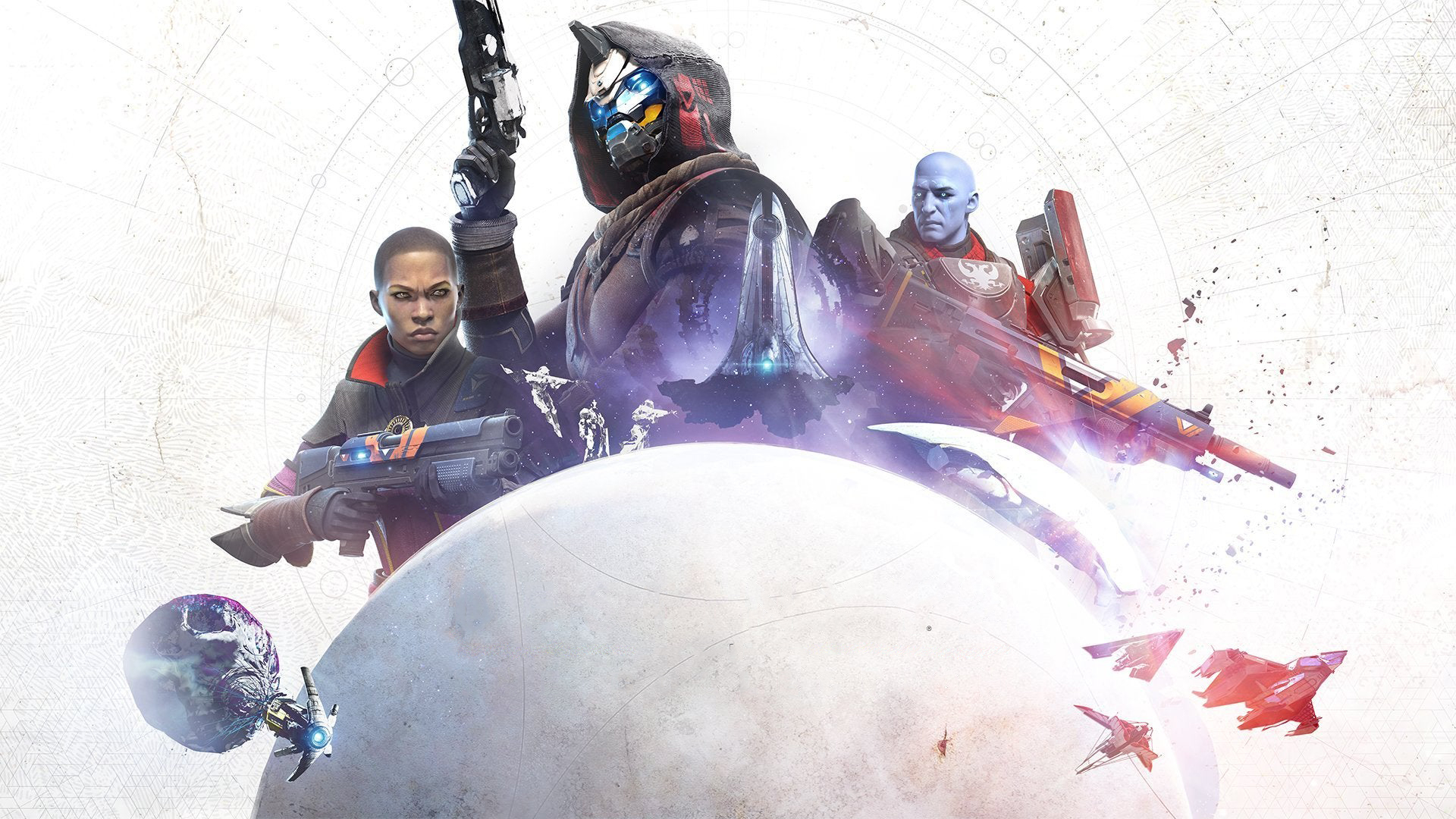
This lively dance is available through Eververse and sometimes as a reward in Bright Engrams. You can use it in social areas, while exploring the game world, and in any activity that allows emotes. Once you earn it, the dance is stored in your Collections, and you can get it again for a small price if you accidentally delete it. It’s just for fun and will stop playing if you run, jump, or use a weapon. Bungie considers it a special, Legendary emote that’s available for a limited time through Eververse.
‘Dark Souls’ (2011) – Praise the Sun
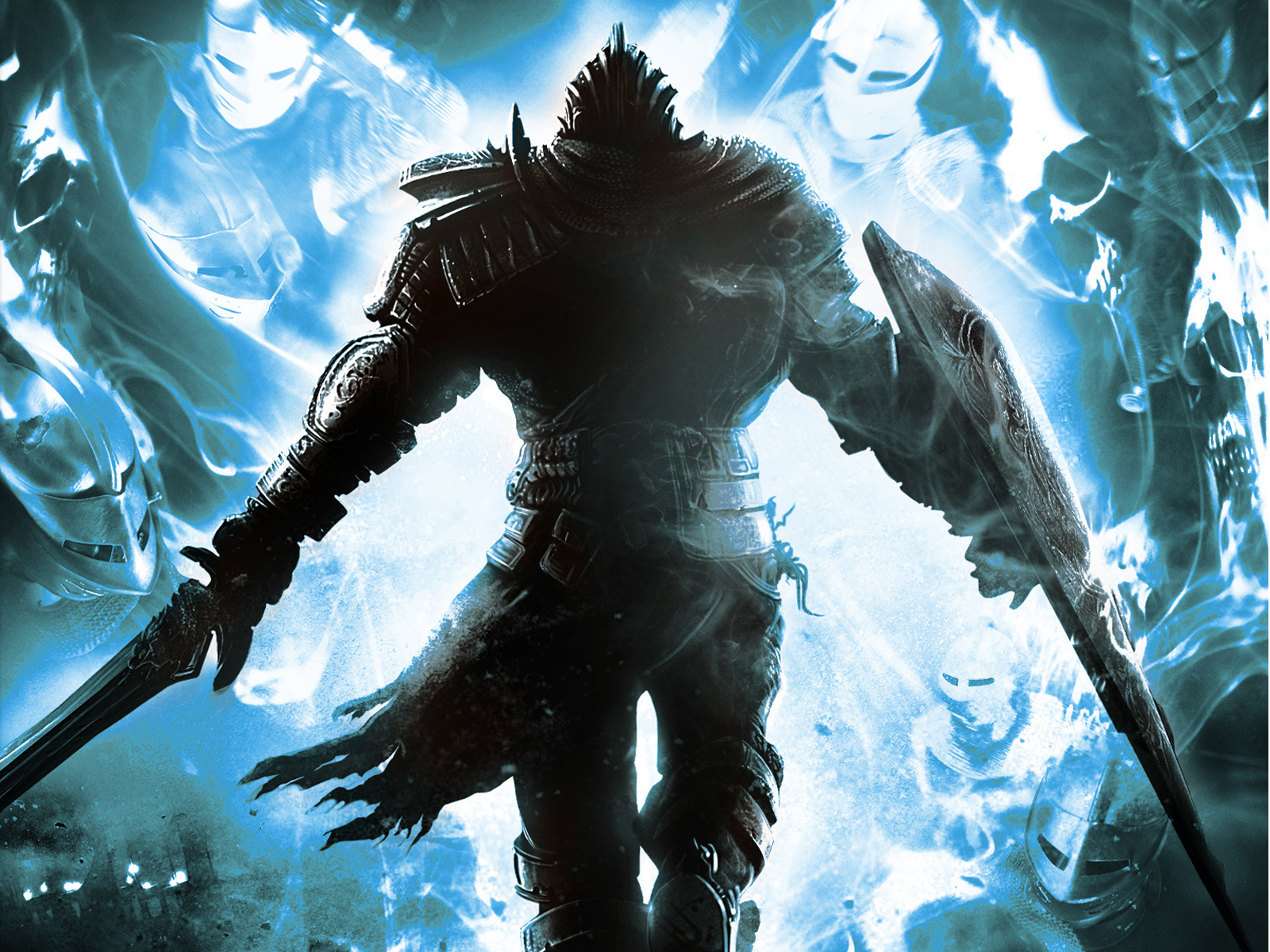
As a Dark Souls fan, one of my favorite things is the ‘Praise the Sun’ gesture! It’s linked to a covenant and lets you throw your arms up in celebration – everyone does it after beating a tough boss. It’s super easy to use too; you can map it to a quick menu, so you don’t waste stamina or risk pulling enemies’ attention. And the best part? FromSoftware and Bandai Namco make sure you keep the gesture even when you start a new game, which is awesome!
‘Elden Ring’ (2022) – Finger Snap
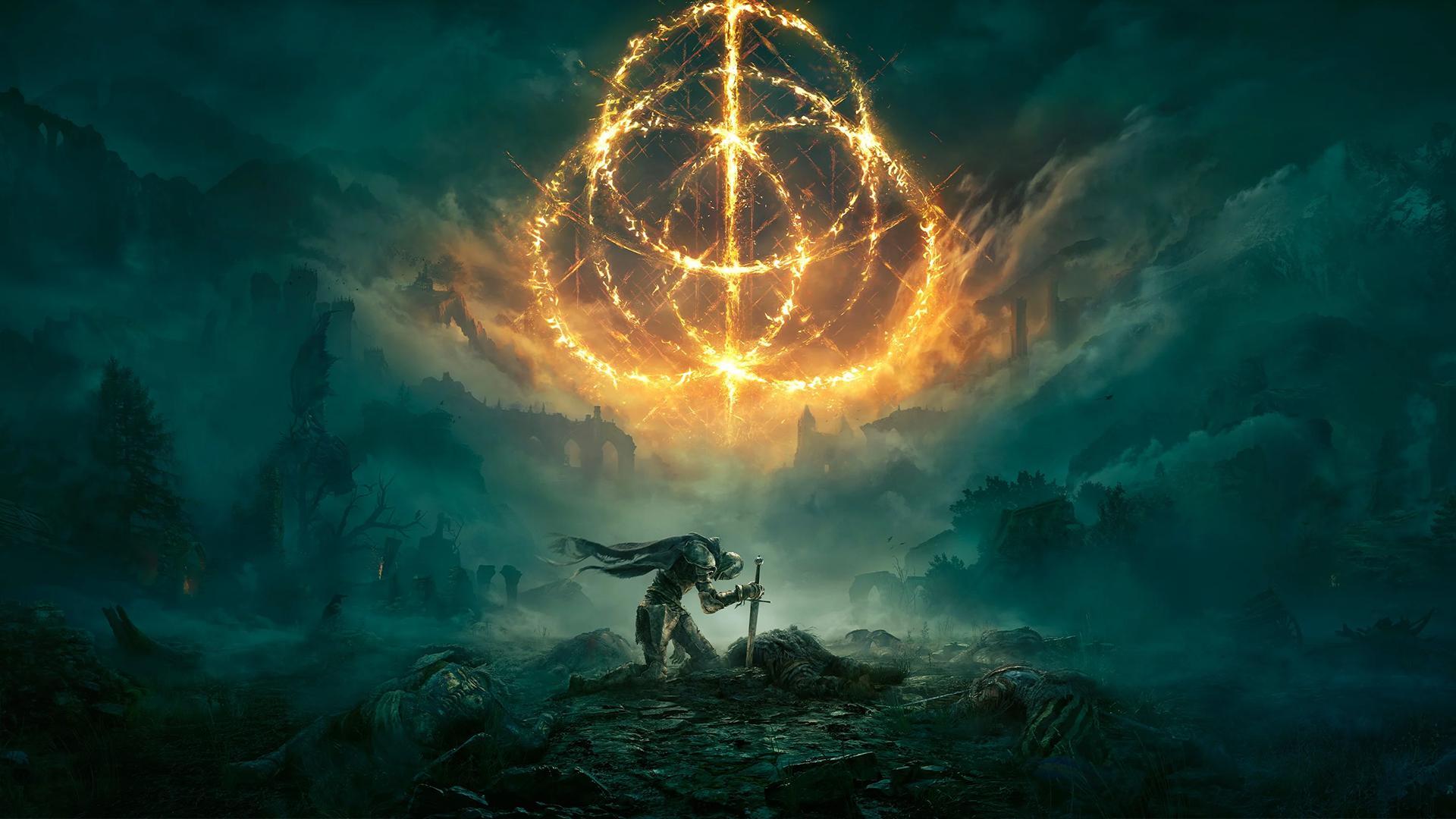
You get the Finger Snap gesture by hearing a distant howl in the Mistwood Ruins, which teaches you how to call a specific character at night. Once you have it, you can select it from the Gestures menu to trigger unique interactions with NPCs in certain locations. It’s a quick gesture, so it won’t leave you vulnerable while exploring. The game automatically shows you when you can use it, based on what’s happening around you.
‘Monster Hunter: World’ (2018) – Dance
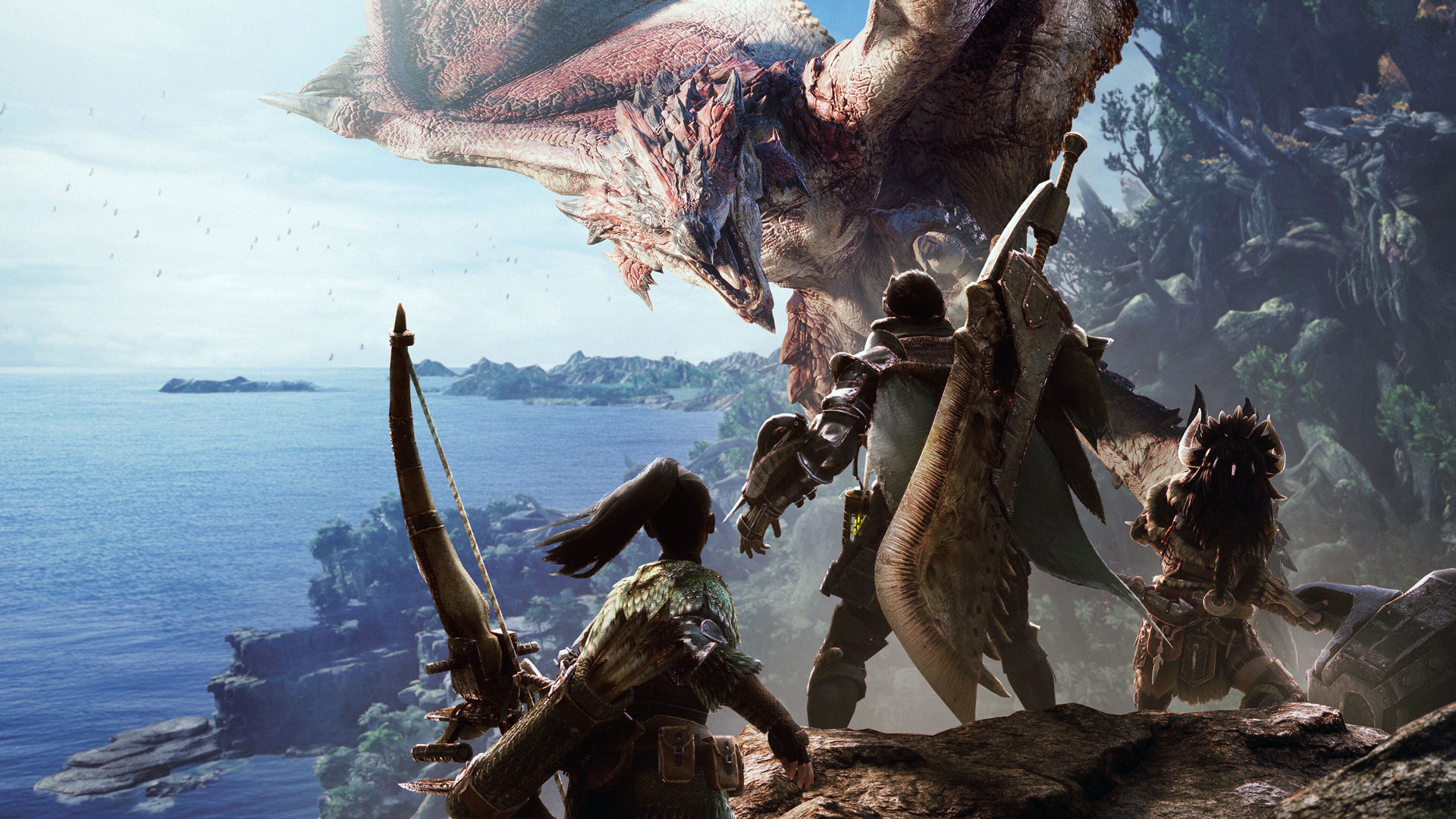
As a Monster Hunter fan, I love customizing my hunter! You can get cool dance moves in the game either by buying them as DLC or snagging them during special events. Once you have them, you can access them from the gestures menu when you’re in Astera, Seliana, or out on an expedition where emotes are allowed. The best part? Dancing doesn’t mess with your stats, gear, or your Palico, so you can just have fun! If you ever lose track of which dances you own, Capcom helpfully lists everything you’ve unlocked in the Add-On Content menu so you can redownload them.
‘Overwatch’ (2016) – Hero Dance Emotes (Anniversary)
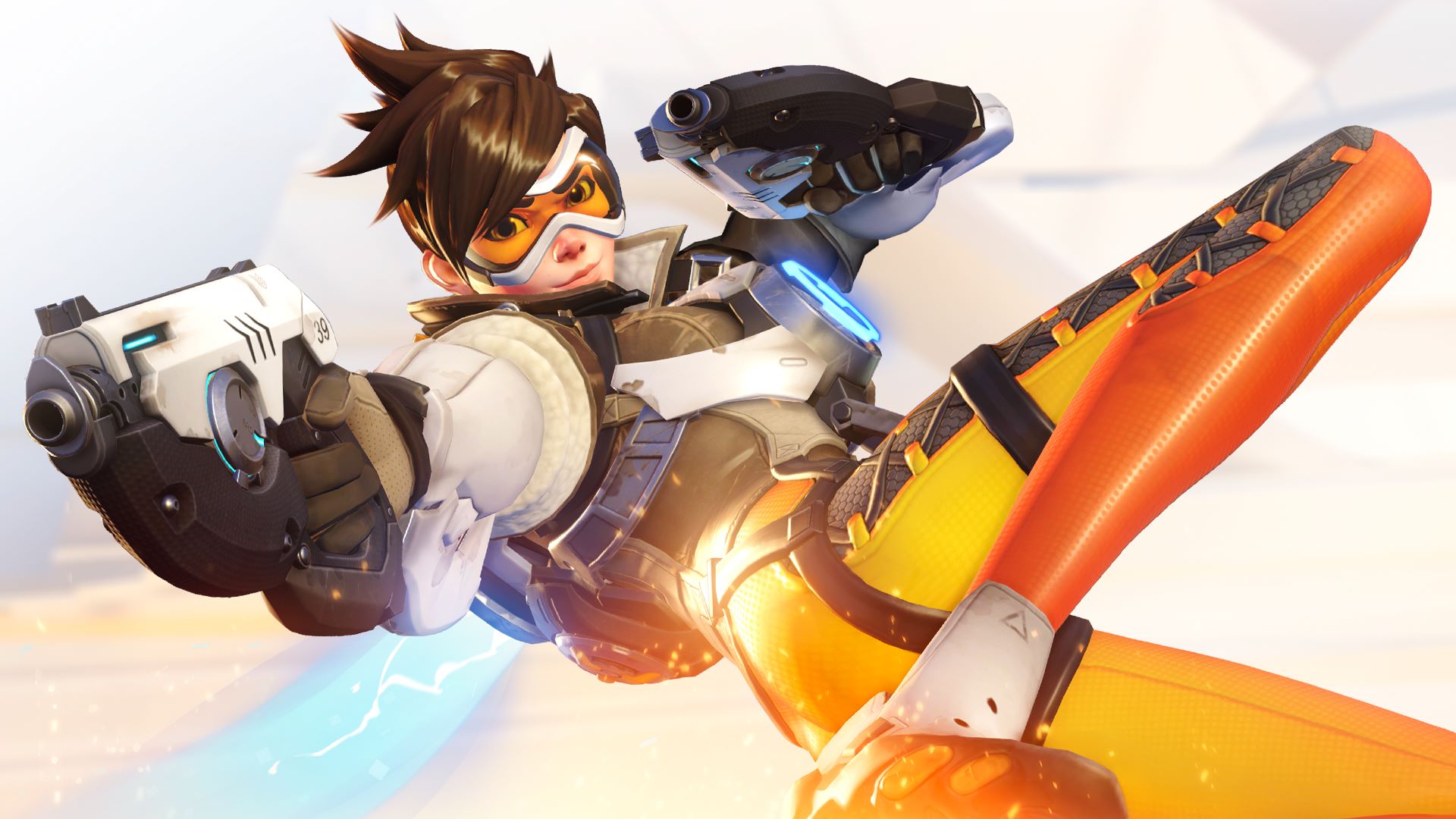
Overwatch’s annual Anniversary events have added special dance emotes for each hero. Players can earn these dances through event loot boxes or by spending in-game credits during the event. The dances play during the pre-game setup, after a victory, and in custom game modes. Importantly, these dances are purely cosmetic and don’t affect gameplay. Blizzard frequently brings back past Anniversary event rewards through ‘Remix’ events, giving players another chance to unlock them.
‘Apex Legends’ (2019) – Skydive Emotes
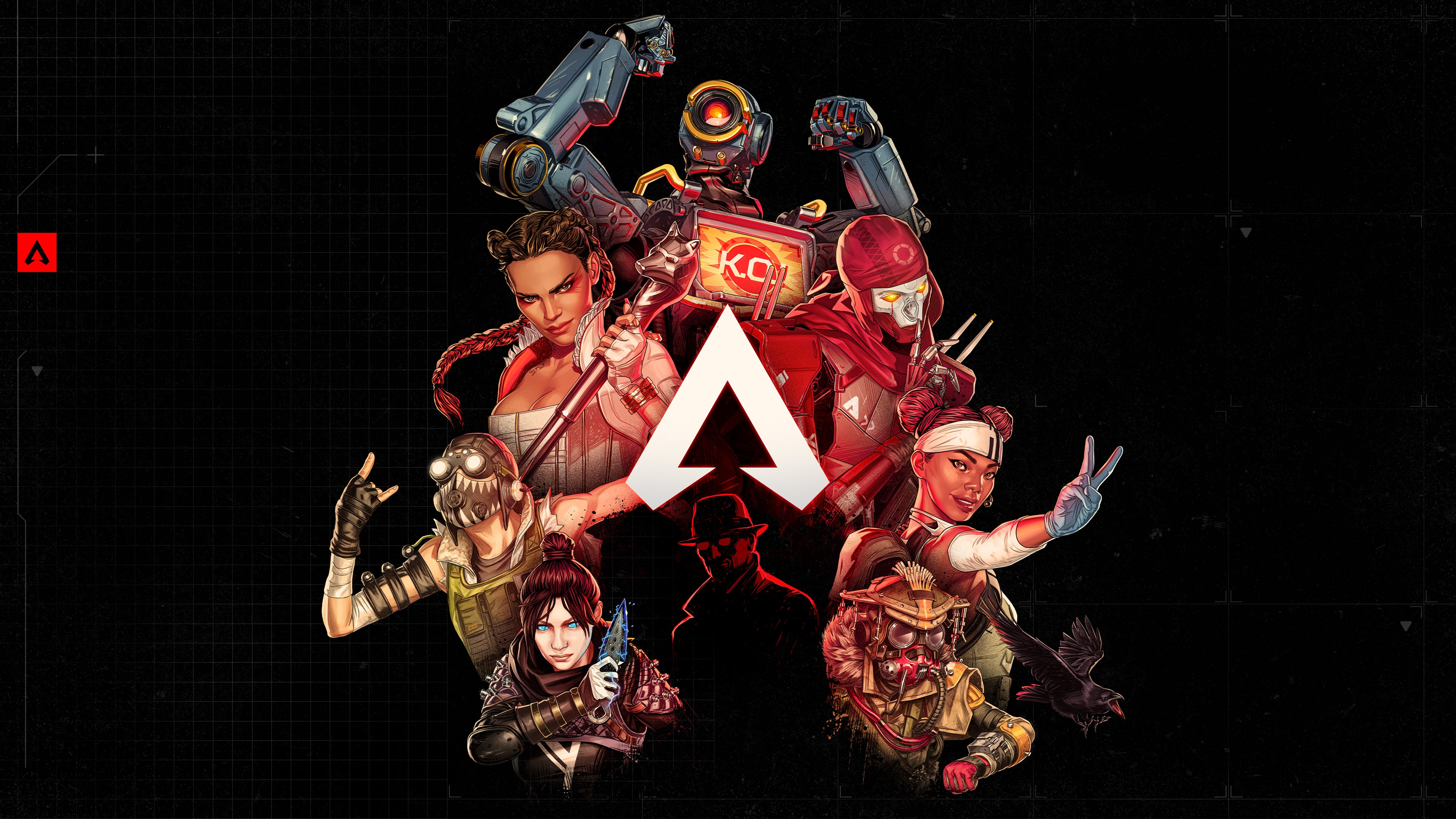
Skydive Emotes are special animations that play while you’re falling through the air. You can earn them by progressing through the Battle Pass or by purchasing special bundles. Each Legend has their own unique Emotes, which you can choose in the Loadouts menu. When you’re skydiving and press the activation button at the right time, the Emote will play without interrupting your ability to use tactical or ultimate abilities after landing. Respawn Entertainment updates these Emotes each season with new maps and limited-time game modes.
‘League of Legends’ (2009) – Champion /dance
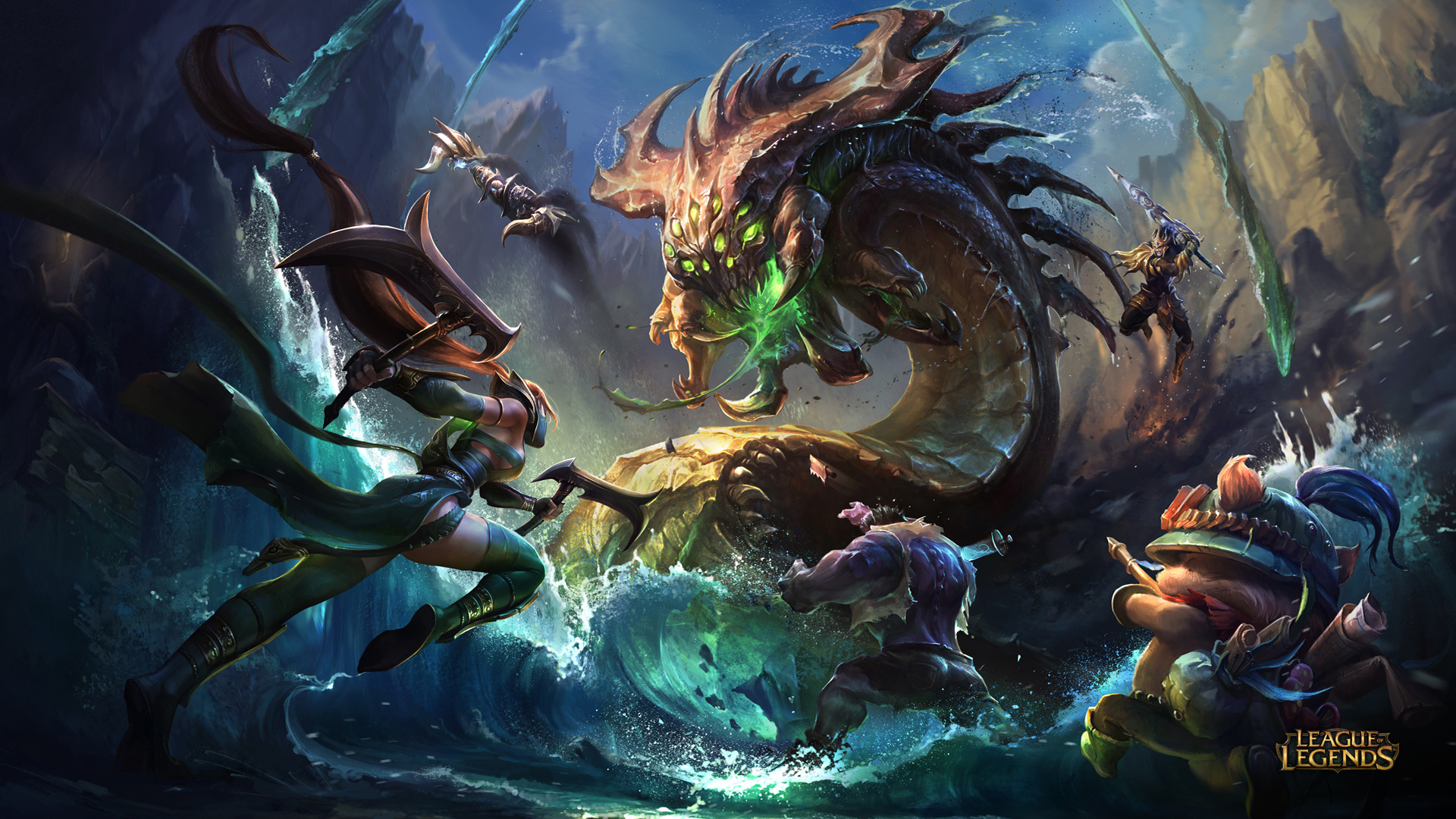
As a fan, I love that every champion has a unique dance you can trigger in-game! You can type a command in chat or use Ctrl+3 to make them bust a move. It’s awesome because everyone nearby – both your teammates and the enemy team – can see it. The dance doesn’t slow you down or stop you from using abilities unless someone interrupts it. Honestly, it’s perfect for a little friendly trash talk in lane or to celebrate taking down a tower or dragon. And the best part? Riot is always adding new dances with each champion release and even updating the older ones whenever they refresh the champion models. It keeps things fresh and fun!
‘Roblox’ (2006) – /e dance
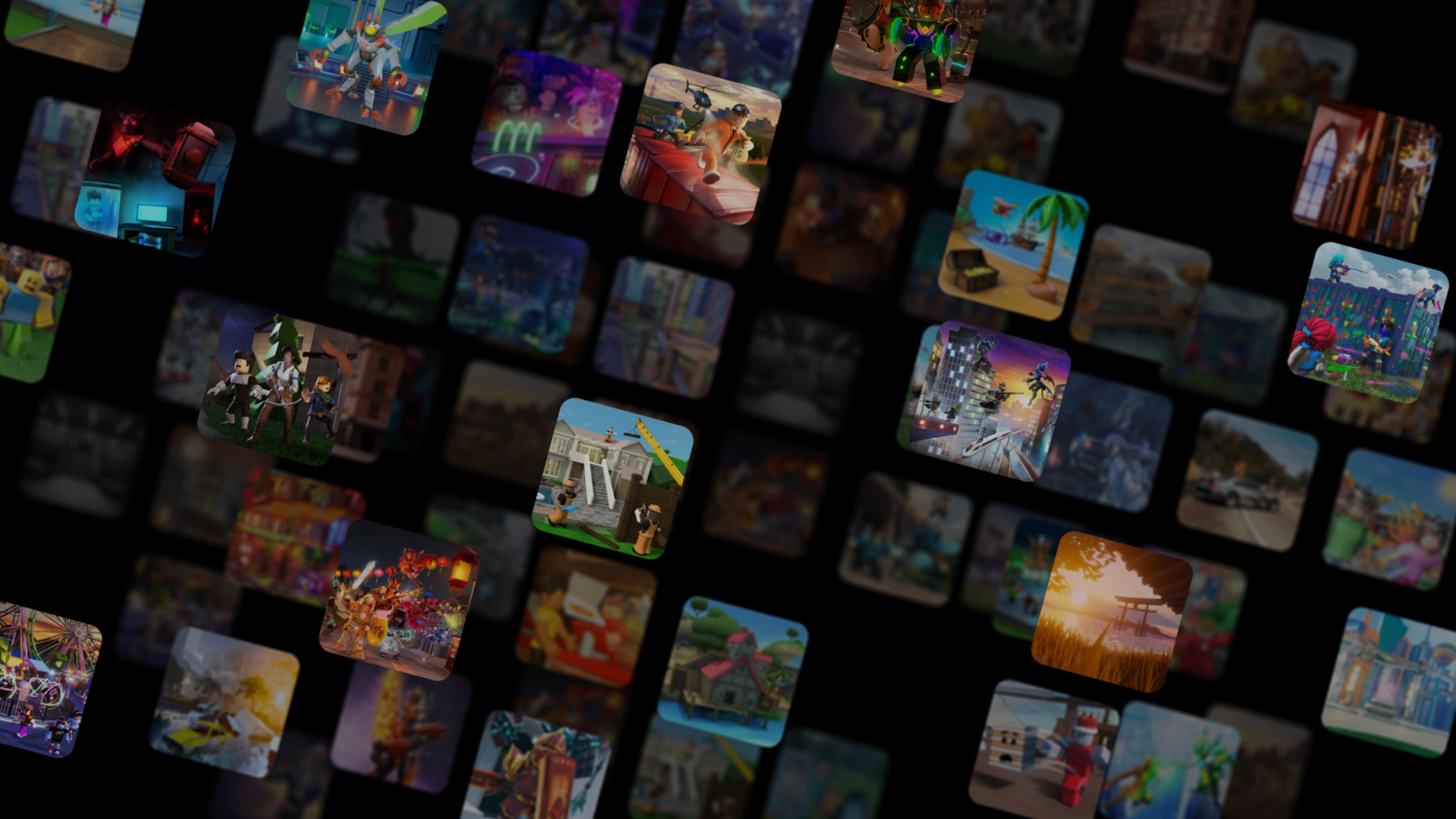
As a Roblox fan, I’ve noticed a lot of games let you use commands like /e dance, /e dance2, and /e dance3 to make your avatar do some default dances! It’s a fun way to express yourself. Sometimes, though, the game creator might turn those commands off, so they don’t always work. Once you start a dance, it just keeps looping until you move your character or do something else. Roblox officially lists these as part of how the universal chat commands work, which is pretty cool!
‘Minecraft’ (2011) – Wave (Bedrock Emote)
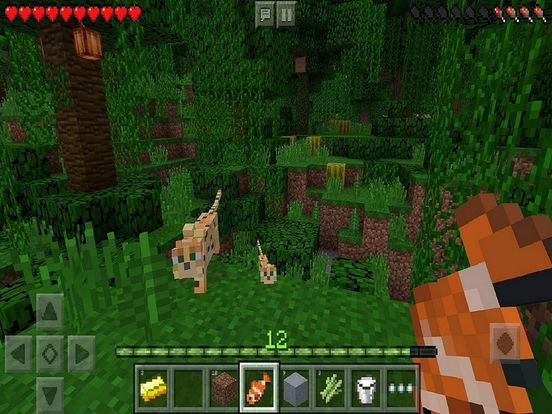
In the Bedrock Edition, you can use emotes – like waving – to express yourself. You access them with a wheel that’s opened by pressing the ‘B’ key on keyboard or a similar button on a controller. You unlock emotes by playing the game or buying them in the marketplace, and they’re linked to your Microsoft account so you can use them on all Bedrock platforms. Emotes are visible when you’re playing in third-person and can be easily accessed by adding them to the emote wheel. The creators, Mojang Studios, are constantly improving the wheel, but emotes are purely for fun and don’t affect gameplay.
‘Grand Theft Auto Online’ (2013) – Nightclub Dance
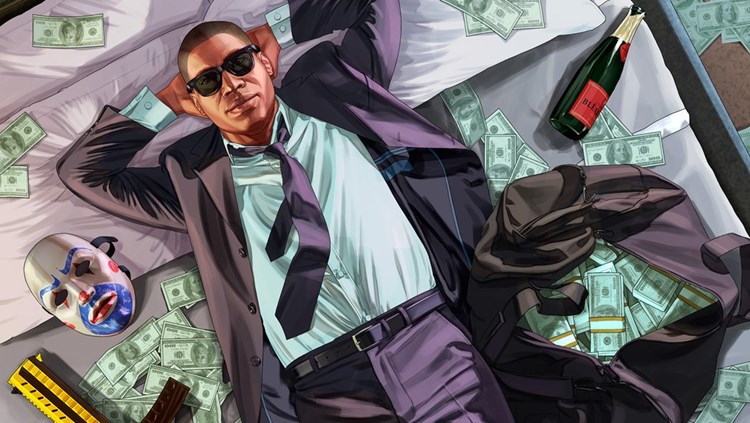
The After Hours update lets players dance in nightclubs, choosing from different styles and moves through an on-screen interface. Dancing boosts your nightclub’s popularity, especially when combined with managing the club, and can even unlock small cosmetic rewards. Players can also control the dance tempo and follow on-screen prompts to match the DJ’s music. These features are all connected to owning and upgrading your Nightclub through Rockstar Games.
‘Splatoon 3’ (2022) – Victory Emotes
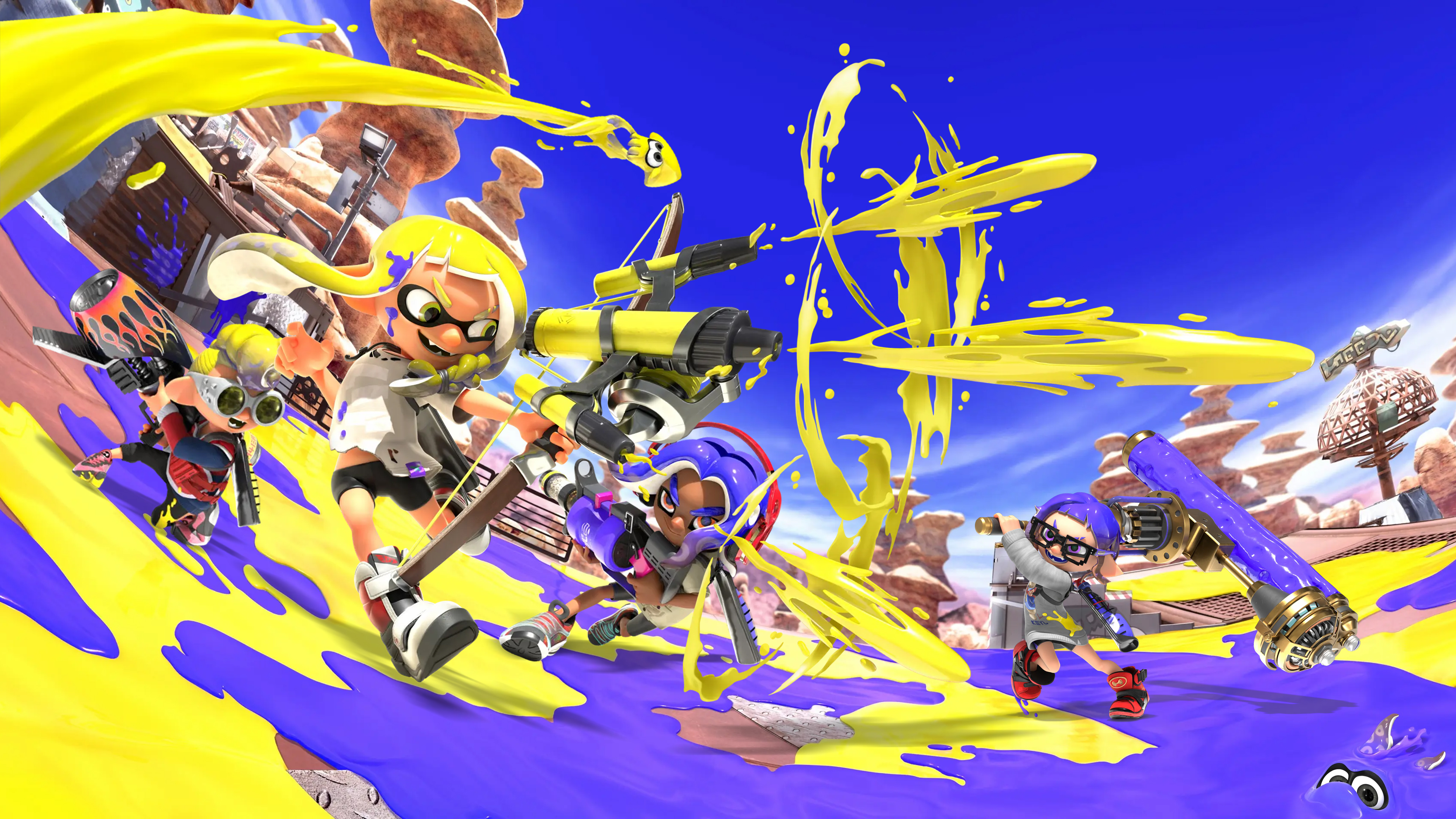
As a huge fan, I love that when my team wins, we get to show off with victory emotes! The best part is, you can unlock and customize these emotes by playing and leveling up the Catalog – it’s a great way to earn rewards. When we win, my chosen emote plays on the results screen along with a showcase of all our cool gear. You can easily change which emote you want right in the Lobby terminal, and it’ll stay selected no matter what mode I’m playing. Plus, Nintendo keeps things fresh by adding new emotes with each new season’s Catalog update – it’s awesome!
‘Animal Crossing: New Horizons’ (2020) – Hip Reaction Collection (Dance)
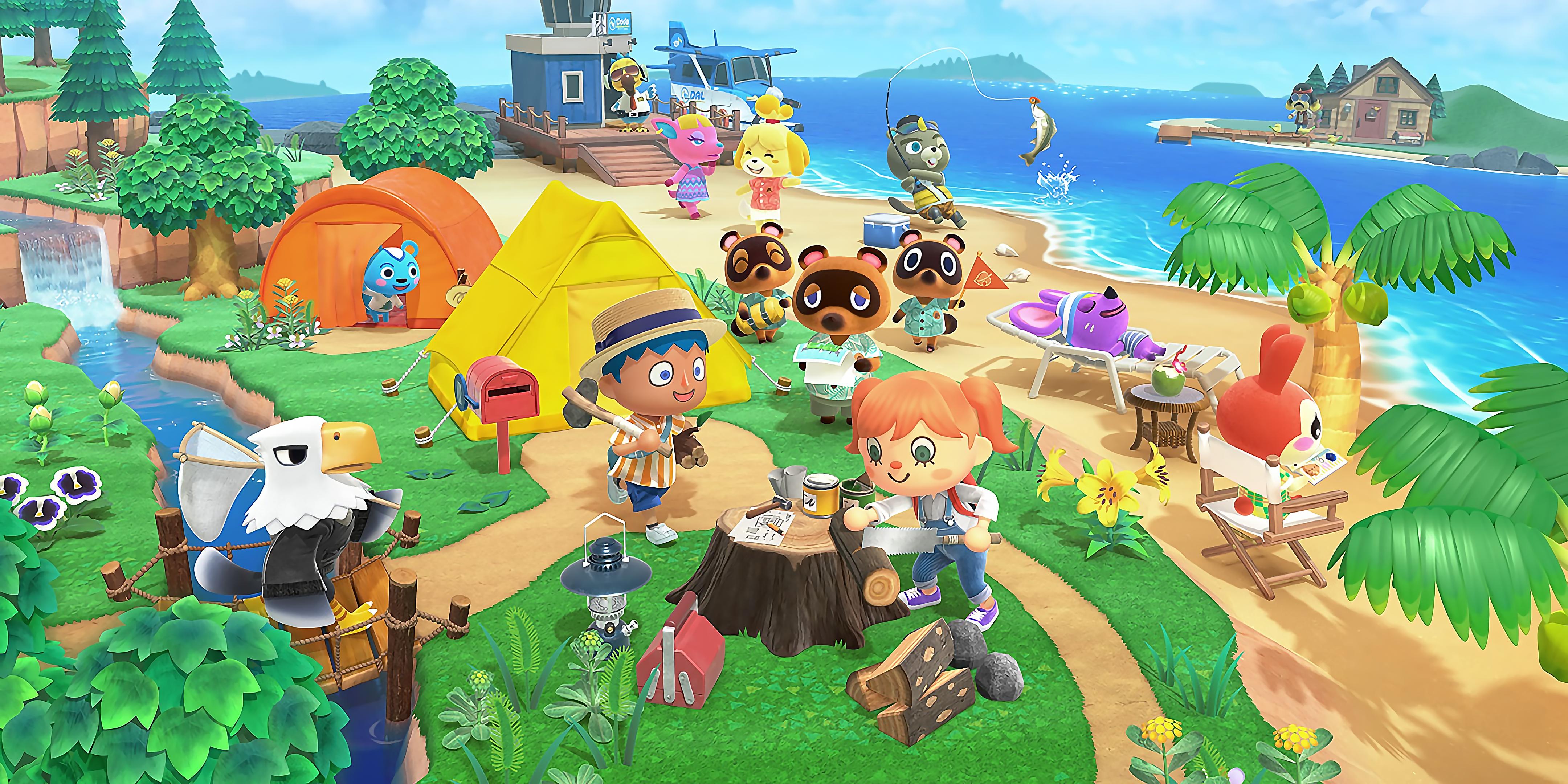
Buying the Hip Reaction Collection at the Nook Stop gives you more Reactions, like fun dances, that you can use anywhere in your game. These Reactions appear in an easy-to-use menu, and you can save your favorites for quick access. Your villagers will even react to certain Reactions, letting you share animated moments together! Nintendo saves these unlocks to your game and your Nintendo Switch user profile.
‘Sea of Thieves’ (2018) – Groovy Dance
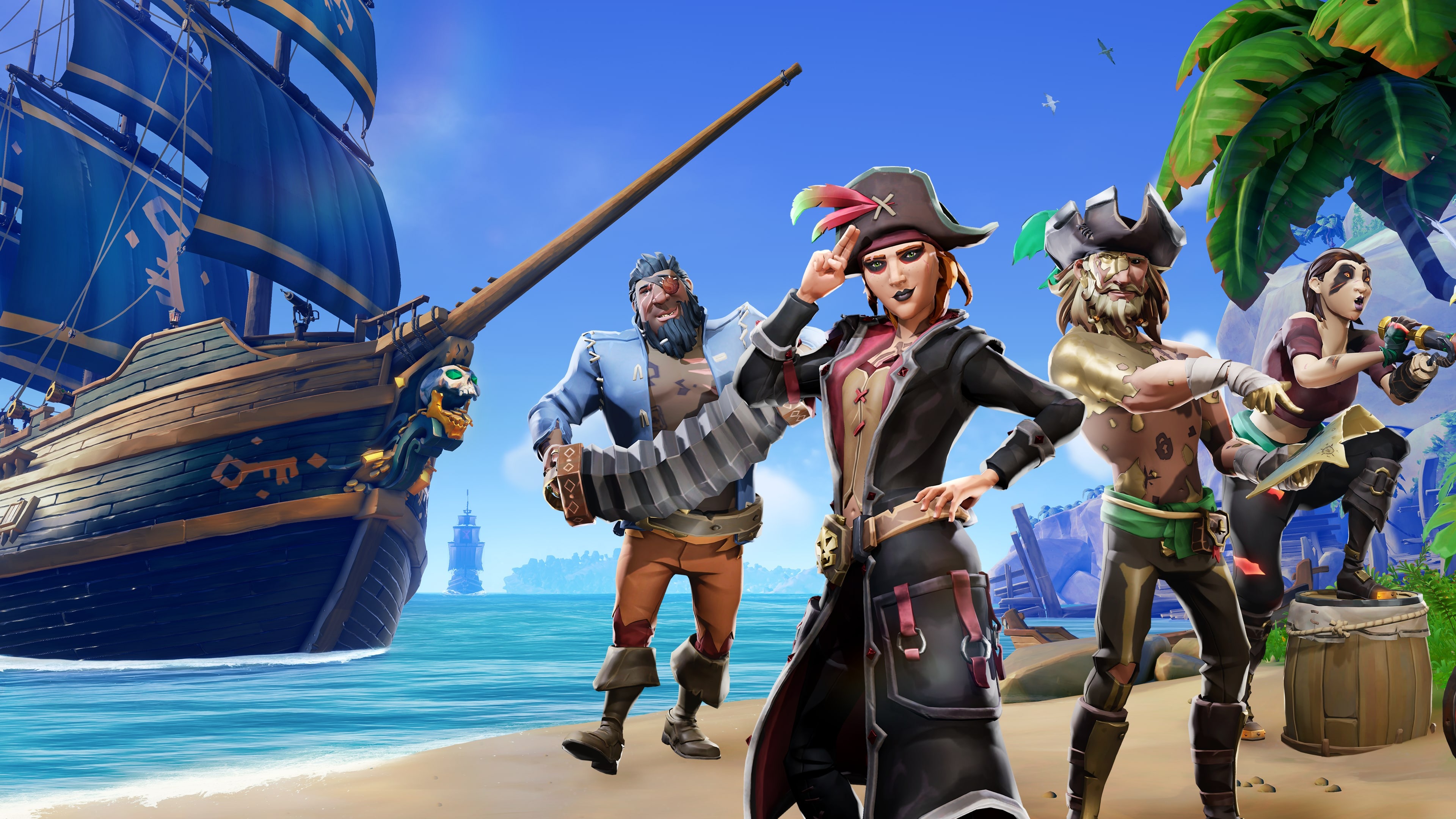
You can buy dances like the Groovy Dance and other emotes at the Pirate Emporium and then select them from your emote wheel. These emotes can be used on your ship, at outposts, and while sailing the open sea – some even let crews play instruments together! They’re purely cosmetic, meaning they don’t change your character’s stats or make you easier to spot. Rare often releases themed sets of dance emotes in the Emporium during different seasons.
‘PUBG: Battlegrounds’ (2017) – Victory Dance
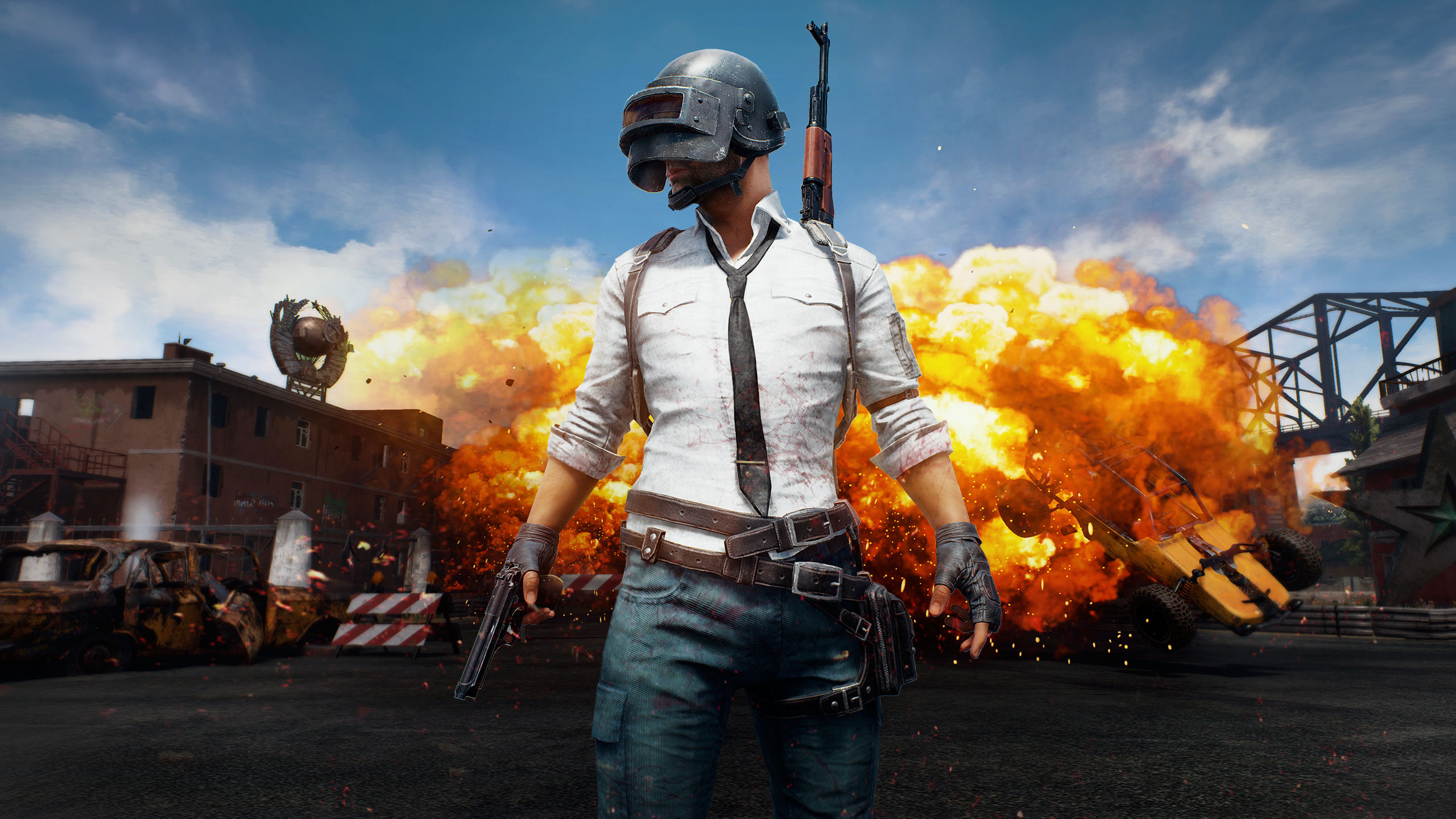
As a PUBG fan, I’m really excited about Victory Dances! You can get them through the Survivor Pass or just buy them in the store. They’re awesome to show off in the lobby and after you win a match. You can set them up on your emote wheel so they’re easy to use on both PC and console. The best part is, they’re just for fun – they don’t give anyone an unfair advantage in the game. Plus, PUBG Studios keeps things fresh by adding new dances with each season!
‘The Elder Scrolls Online’ (2014) – Dance, Breton
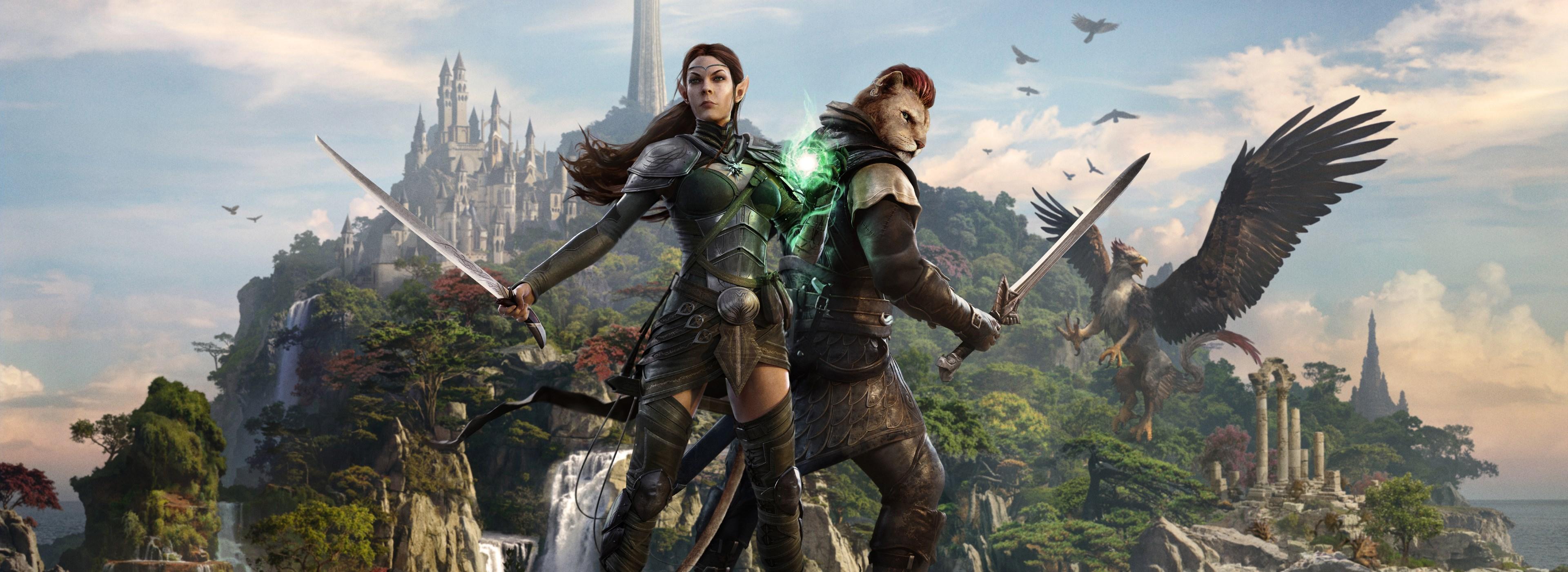
The Elder Scrolls Online offers a wide variety of dance emotes, such as the Breton dance, which players can earn through quests, special events, or purchase from the Crown Store. These dances can be easily accessed and used via the Quickslot Emotes menu in towns, player homes, and most areas of the game. Certain dances are available to all your characters, and the developers at ZeniMax Online Studios regularly bring back popular, limited-time dances during yearly festivals.
‘Star Wars: The Old Republic’ (2011) – Cantina Dance
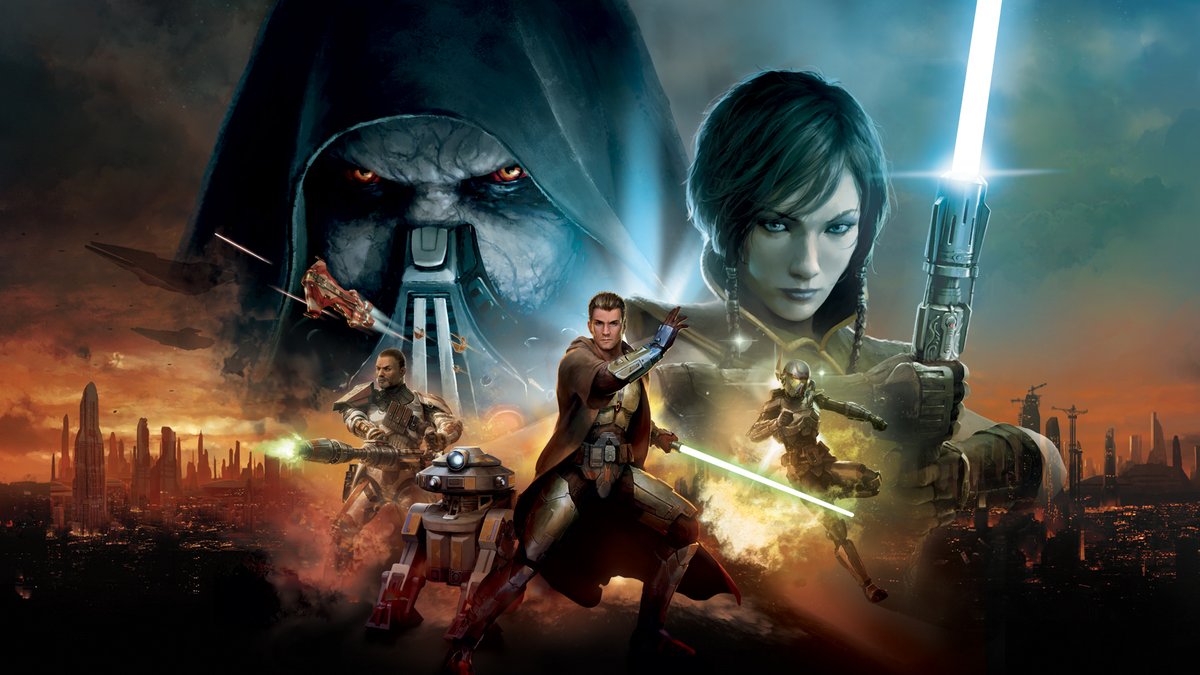
Players can dance in cantinas, and they can get special dance moves (emotes) by shopping in the Cartel Market or participating in events. These emotes can be found in the game’s Emotes menu and assigned to your hotbar for quick access during role-playing. Other players nearby will see your dances, and they’ll continue until you stop them or move. BioWare and Electronic Arts regularly update the premium emotes available in Cartel packs and the direct-buy store.
‘Tom Clancy’s The Division 2’ (2019) – Chicken Dance
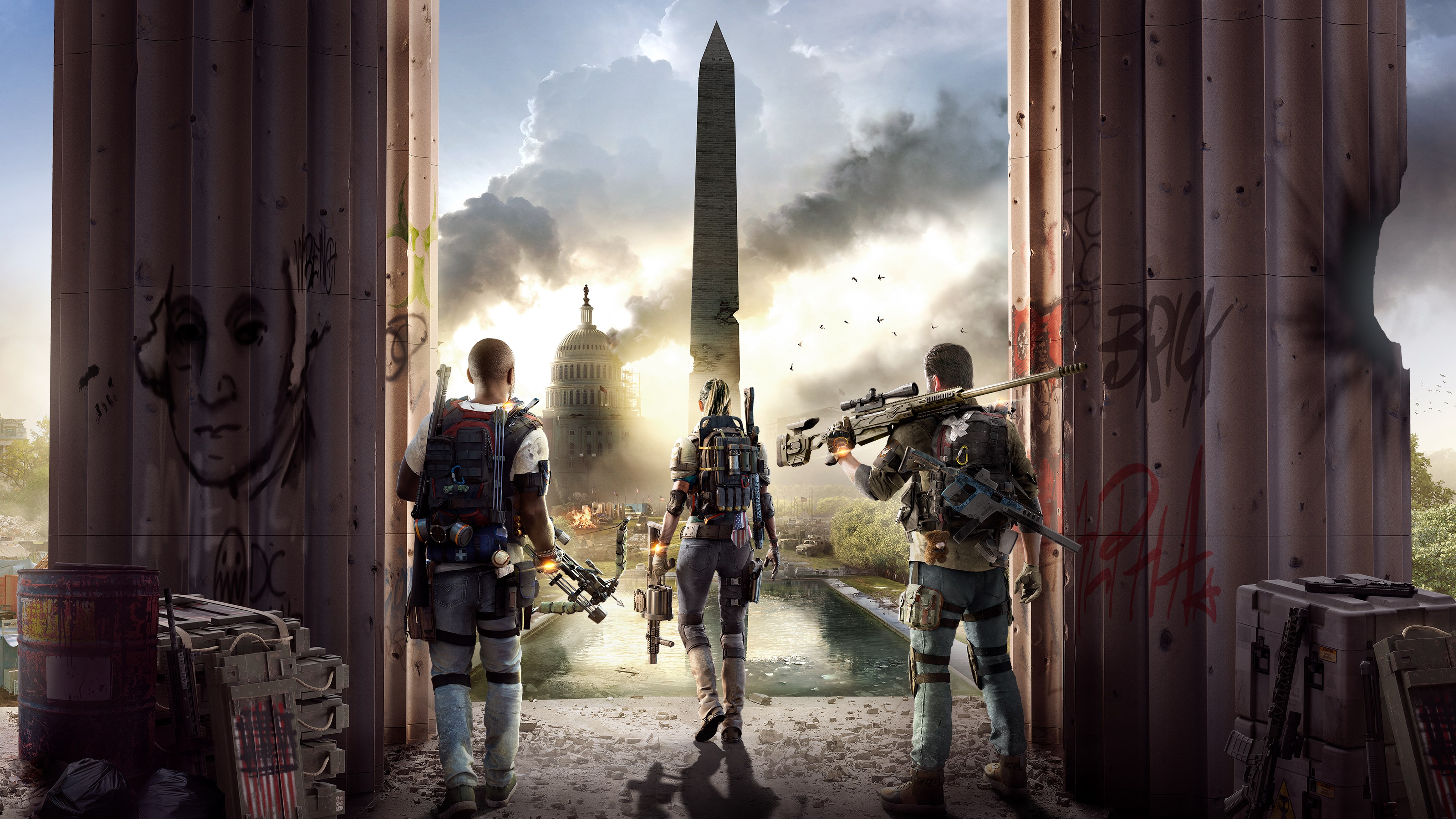
You can get the Chicken Dance by opening Apparel Caches or buying it in store bundles. Once you have it, you can add it to your emote wheel and use it in safe houses, while exploring the open world, or during quiet moments in missions where emotes are permitted. Emotes are just for fun and don’t affect gameplay – you can favorite your preferred emotes to access them quickly. The developers, Massive Entertainment and Ubisoft, regularly introduce new emotes and remove older ones with special in-game events each season.
‘Path of Exile’ (2013) – Dance
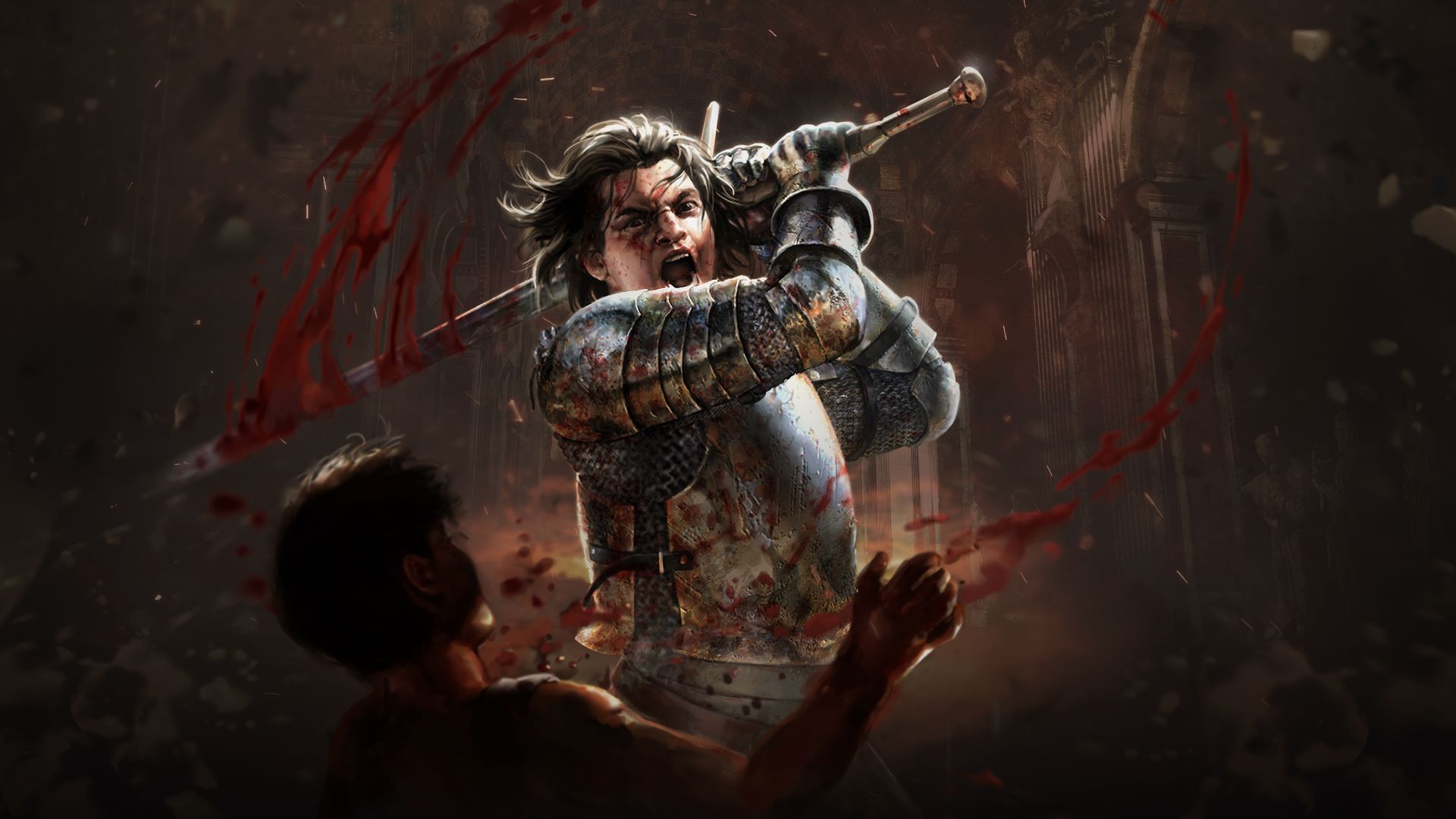
Dance emotes are special animations you can buy in the game store. Once purchased, they’re added to your character’s customization options and can be used in towns and safe areas. These dances move with your character’s armor and visual effects, but don’t use up any resources or get in the way of your abilities. Importantly, Grinding Gear Games ensures you keep ownership of any emotes you buy, even when the game league changes.
‘Warframe’ (2013) – Narta Dance
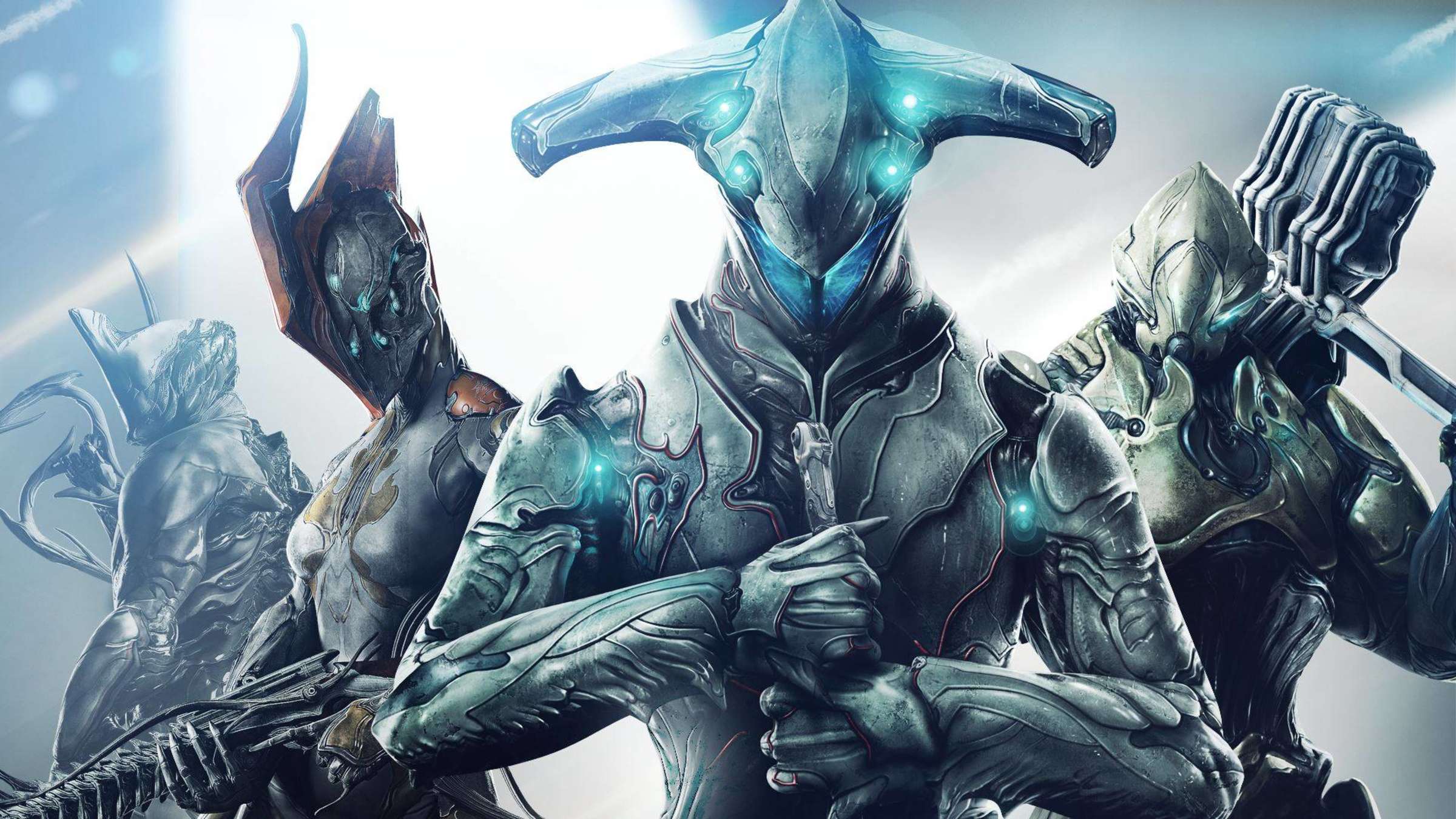
Narta emotes are looping dance moves you can buy in the game from certain shops and the Market. You can use them while waiting in Relays, Dojos, or during missions when things are quiet. They’re added to your Emote wheel and can be combined with different poses to create unique looks. Like other cosmetic items, Narta emotes stop playing as soon as you move or use an ability. Digital Extremes regularly makes different Narta emotes available through rotating shops and Market offers.
Tell us about your favorite dance or emote in video games! Share it in the comments and let us know where you originally learned it.
Read More
- 2025 Crypto Wallets: Secure, Smart, and Surprisingly Simple!
- 🚨 Kiyosaki’s Doomsday Dance: Bitcoin, Bubbles, and the End of Fake Money? 🚨
- Monster Hunter Stories 3: Twisted Reflection launches on March 13, 2026 for PS5, Xbox Series, Switch 2, and PC
- Here Are the Best TV Shows to Stream this Weekend on Paramount+, Including ‘48 Hours’
- The 10 Most Beautiful Women in the World for 2026, According to the Golden Ratio
- 20 Films Where the Opening Credits Play Over a Single Continuous Shot
- Crypto’s Comeback? $5.5B Sell-Off Fails to Dampen Enthusiasm!
- 39th Developer Notes: 2.5th Anniversary Update
- 10 Hulu Originals You’re Missing Out On
- 10 Underrated Films by Ben Mendelsohn You Must See
2025-11-19 04:21