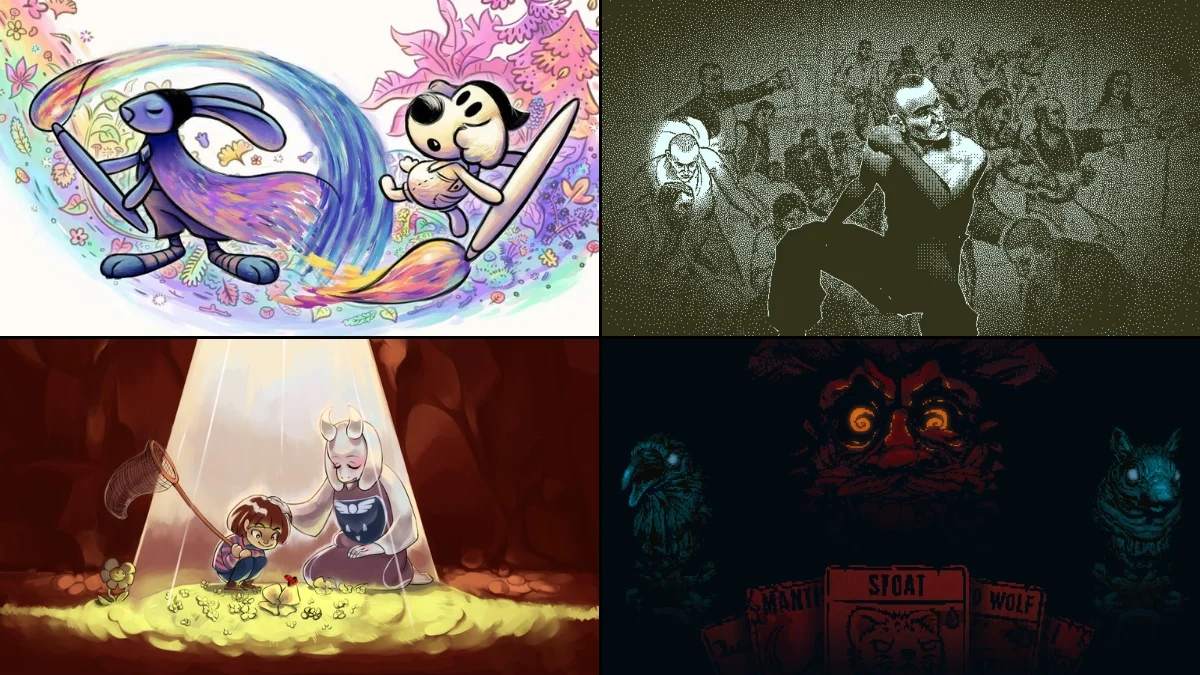
I’ve noticed something cool lately – game developers are doing amazing things with cursors! They’re not just limited to boring old arrows anymore. Sometimes, the cursor is the gameplay – like you’re controlling a hand, painting with a brush, or even using a pocket watch to manipulate time. It’s more than just how you click things; it actually impacts how the game works, makes things easier to understand, or can even be a fun character. I’ve put together a list of twenty games where the cursor isn’t just there, it’s actively involved and really makes a difference.
‘Populous’ (1989)
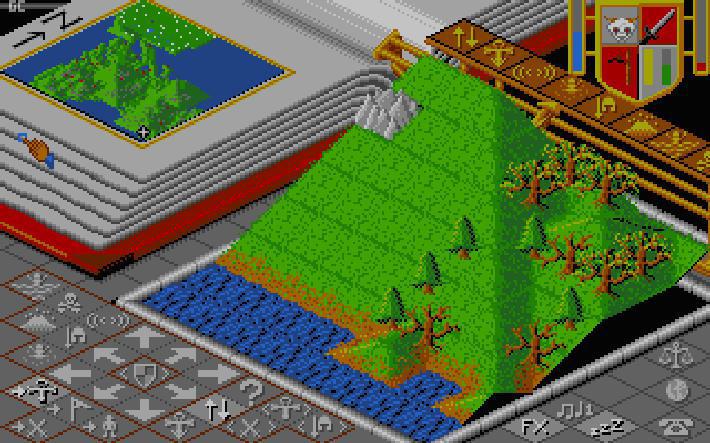
Okay, so in ‘Populous’, you don’t just move a cursor, you feel like a god! Seriously, it’s how you raise and lower land to build up your followers’ homes, all happening live as you play. The way the cursor changes tells you if you’re shaping the land or about to unleash a miracle, and it does it without throwing a bunch of extra info on the screen. It’s super clean – you hover, you click, you change the world! Bullfrog, the guys who made the game, really nailed the interface. They wanted you to be able to see everything you needed to as a ‘god’ at a quick glance, and they totally did it.
‘Lemmings’ (1991)
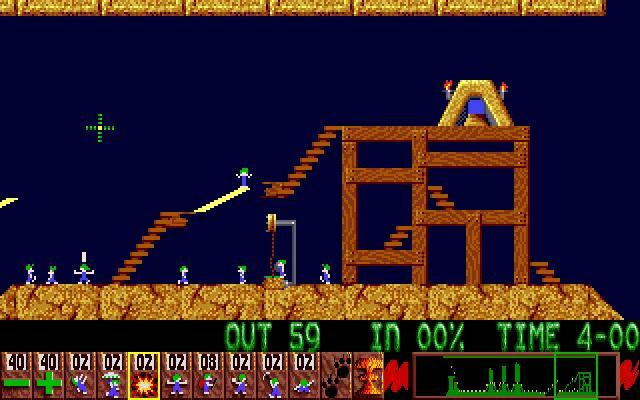
In ‘Lemmings,’ a smart cursor helps players quickly assign tasks to individual lemmings, even when the screen is full of action. The cursor changes its appearance to show what job you’re assigning, which prevents accidental selections. Its clear design and the game’s pace encourage careful planning. This user interface, developed by DMA Design, allowed for detailed control even on older, lower-resolution screens.
‘Theme Hospital’ (1997)

In ‘Theme Hospital,’ the cursor, shaped like a gloved hand, isn’t just for selecting things – it’s a core part of how you interact with the game world. You can directly pick up patients, staff, and objects. The simple drag-and-drop controls, helpful rotation guides, and grid-based placement make building and arranging things easy and intuitive. The cursor’s function changes depending on what you’re doing – grabbing, selling, or building – and these changes are clearly shown with simple icon updates. Bullfrog Productions intentionally designed it this way to avoid lots of pop-up windows and make building feel direct and hands-on.
‘The Sims’ (2000)
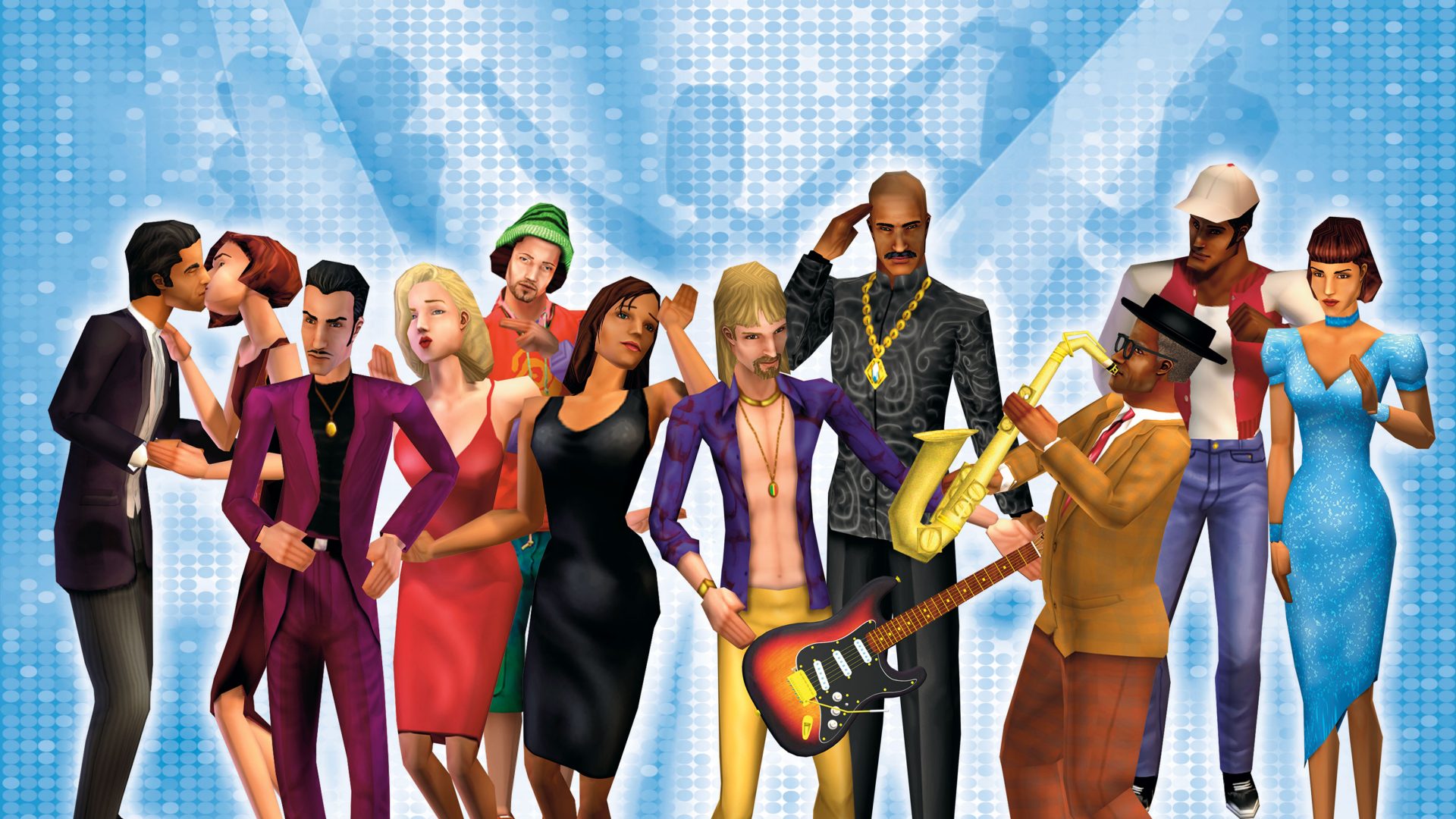
In ‘The Sims’, you use a single cursor that changes function depending on whether you’re playing the game or building/buying items. Helpful tooltips and outlines show you what you can interact with. You directly move and adjust objects – grabbing, resizing, and rotating them – keeping the cursor visible and central to gameplay. Important information like scrolling, grid alignment, and prices are displayed right where your cursor is. The game developers at Maxis designed these cursor features to make building and decorating feel direct and intuitive.
‘Black & White’ (2001)
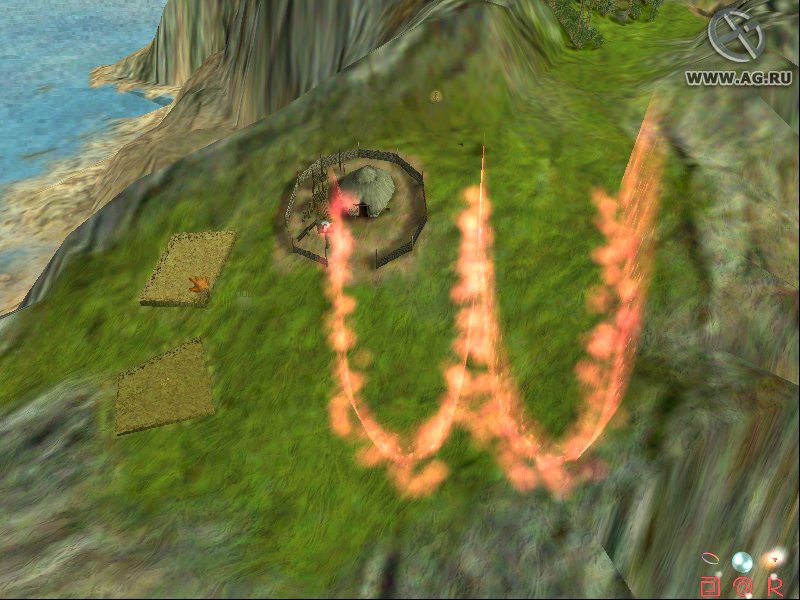
In the game ‘Black & White’, the player controls everything with a cursor, visualized as a powerful ‘god hand’. This hand isn’t just a pointer; it feels like a real presence, allowing you to pet your creature, move villagers, and perform miracles. Casting spells is done by simply drawing shapes with the cursor – there’s no separate menu needed. Sound effects, like rumbles and chimes, along with the creature’s reactions, make the hand feel connected to the game world. The developers at Lionhead Studios intentionally designed the system to blur the line between the game’s interface and its story.
‘Arx Fatalis’ (2002)
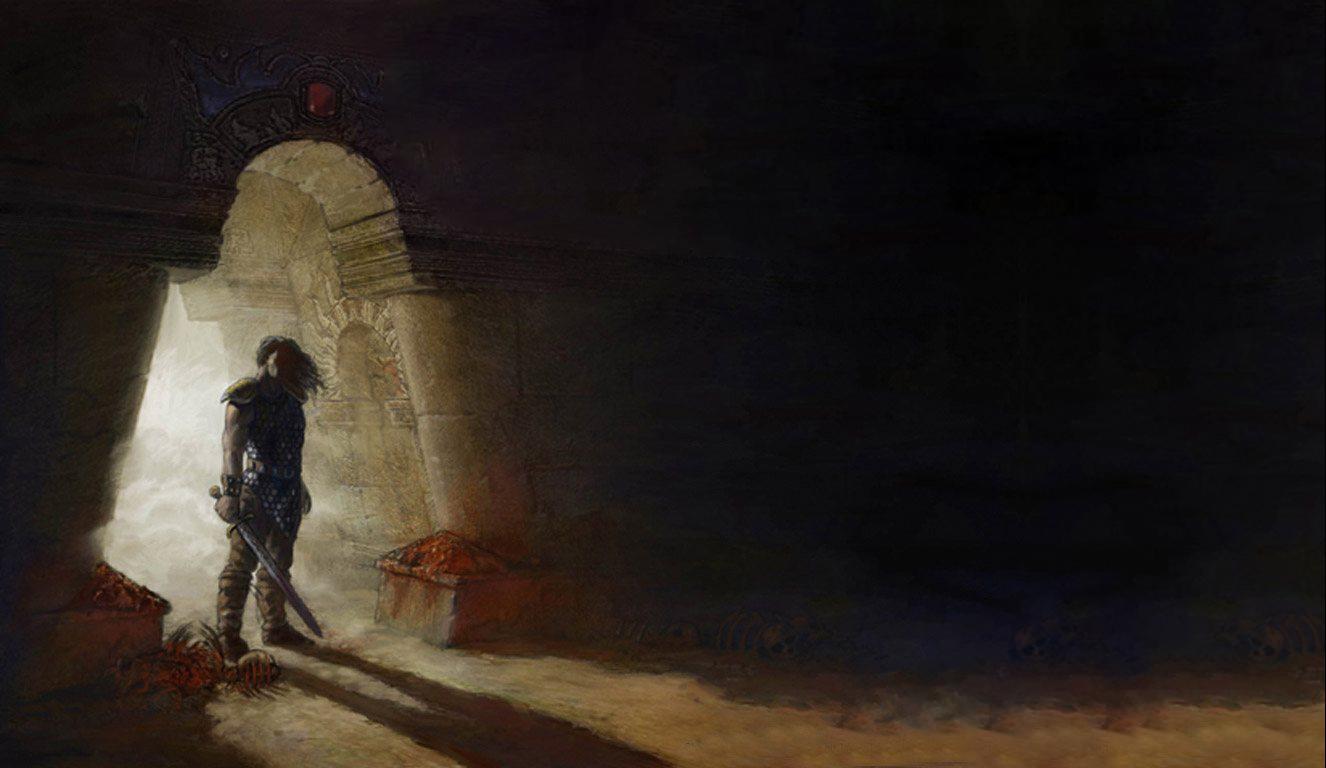
In the game ‘Arx Fatalis’, players cast spells by literally drawing magical runes with their mouse cursor. The game recognizes these drawings, even if they aren’t perfect, and reacts to how quickly you draw them, keeping the action fast-paced. Because everything else is also controlled with the mouse, drawing spells feels like a natural part of the game, not an added feature. The developers at Arkane Studios designed this system to blend the game’s interface with the magic itself, making it feel like an integral part of the world.
‘Okami’ (2006)

In ‘Okami’, you use a special brush to interact with the world. When you pause the game, you can paint strokes that have different effects – like cutting objects, making flowers bloom, or creating bridges. The game carefully reads how you paint – the order, thickness, and where you start and end each stroke – to determine what happens. The brush icon changes to give you clues about what actions are possible, making it easy to figure things out. The developers at Clover Studio intentionally designed this so your painting directly solves puzzles and shapes the game world.
‘The Legend of Zelda: Phantom Hourglass’ (2007)
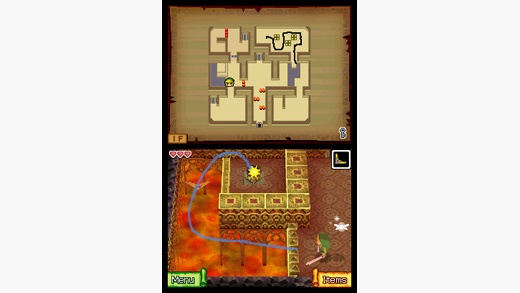
In ‘Phantom Hourglass’ for Nintendo DS, you control Link and interact with the world using the stylus. You can move Link, throw boomerangs, mark up the map, and solve puzzles all with the stylus. The game smoothly switches between moving and interacting, and helpful icons only appear when you need them. Any notes or drawings you make on the map stay there, helping you navigate. The game’s developers carefully designed everything to work with the stylus for a consistent and easy-to-use interface.
‘Super Mario Galaxy’ (2007)
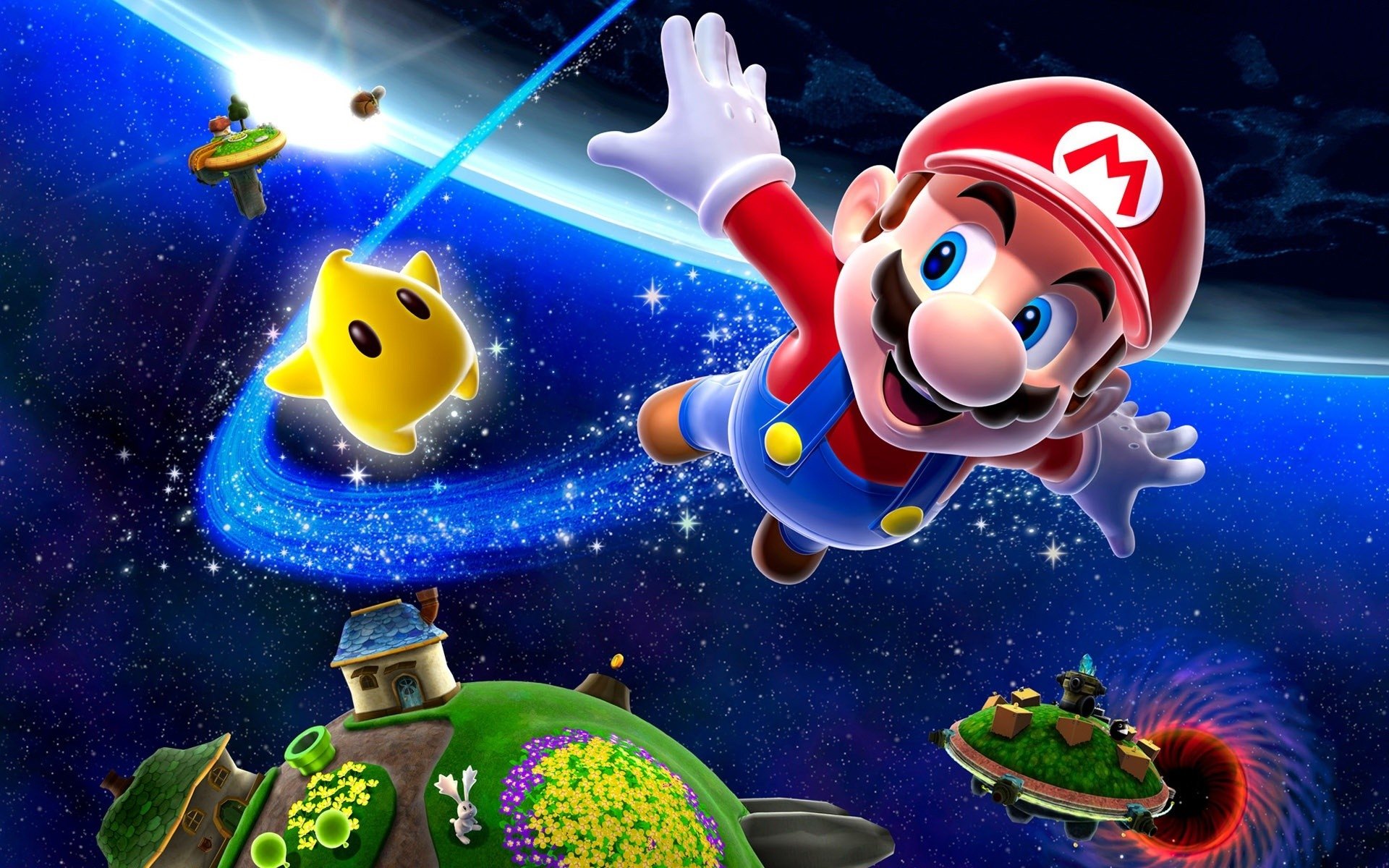
Super Mario Galaxy innovatively combines classic platforming with a unique on-screen pointer controlled by the Wii Remote. This pointer lets players collect items and stun enemies without interrupting their movement. It’s designed to be easy to use with a slight magnetic pull and accurate targeting in the game’s 3D environments. A special two-player mode even doubles the pointer functionality, allowing for cooperative gameplay. The Nintendo EAD Tokyo team carefully designed the pointer to be helpful without cluttering the screen.
‘World of Goo’ (2008)
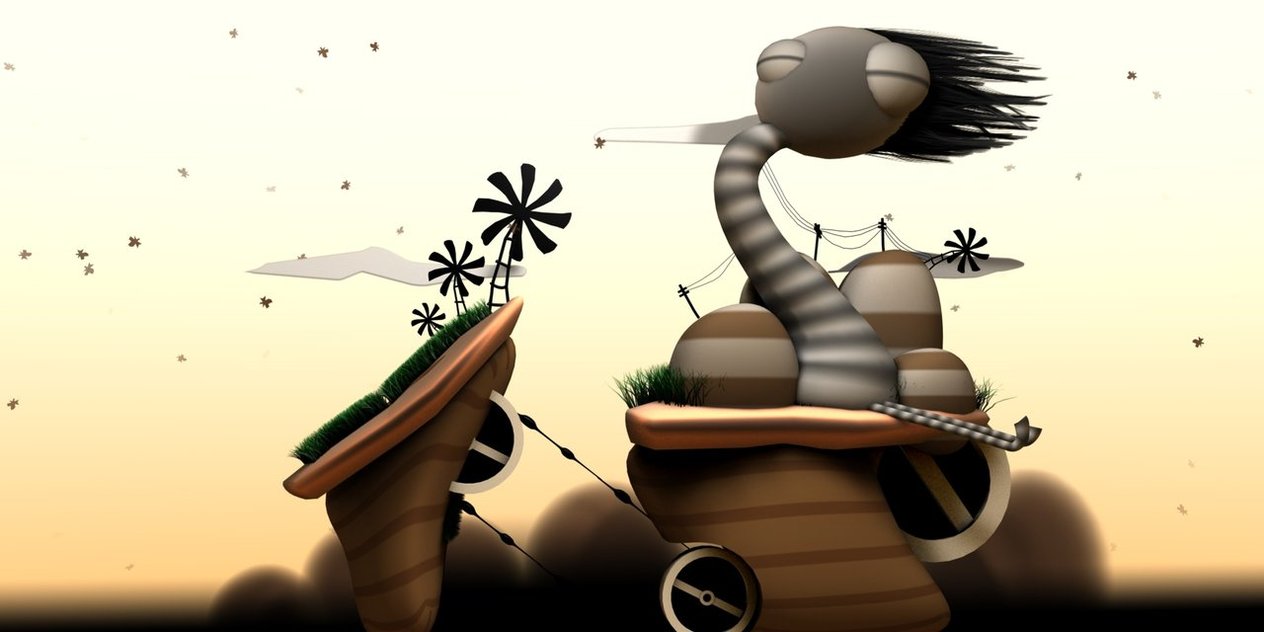
In the game ‘World of Goo,’ the hand-shaped cursor does more than just point. It shows you if you can pick something up, how things connect, and how stable a structure is, all through its movements and color. Before you let go, you can see exactly where the goo balls will stick and how far they’ll stretch. You can even tell if your creation will succeed or fail just by looking at the cursor, which means the game doesn’t need a lot of extra on-screen information. The developers, 2D Boy, designed this cursor to be the main tool you use to build things.
‘Dead Space’ (2008)
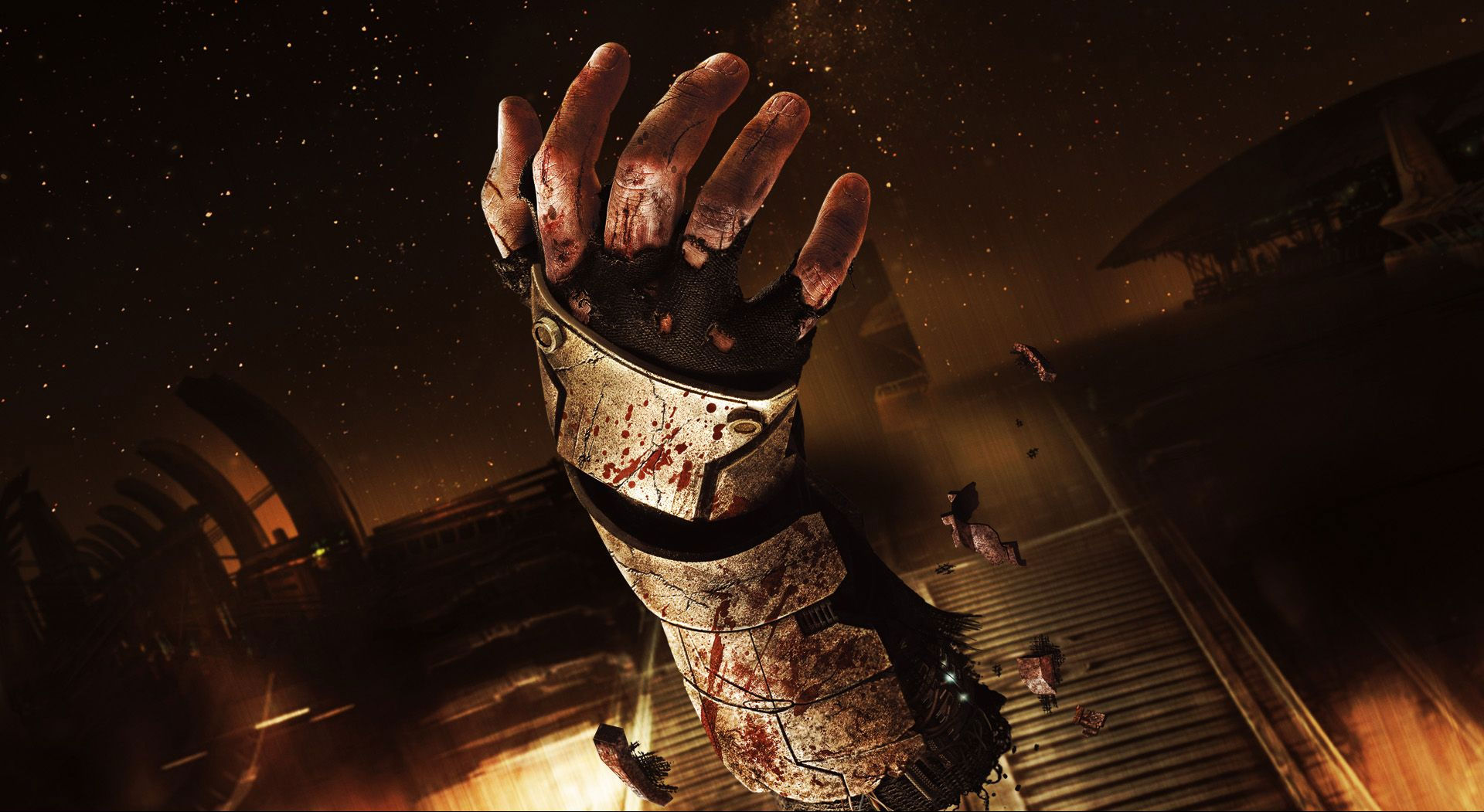
Instead of a typical mouse pointer, the game ‘Dead Space’ uses an aim-line that feels like part of the game world, along with holographic sights that function as the cursor. Menus and inventories appear as angled holograms that players target with their weapons, maintaining a sense of realism. The game is designed so that targeting feels precise, especially when aiming for an enemy’s weak points to sever limbs. This approach, developed by EA Redwood Shores (later Visceral Games), was intended to keep the user interface and combat experience fully integrated into the game’s world.
‘Ghost Trick: Phantom Detective’ (2010)
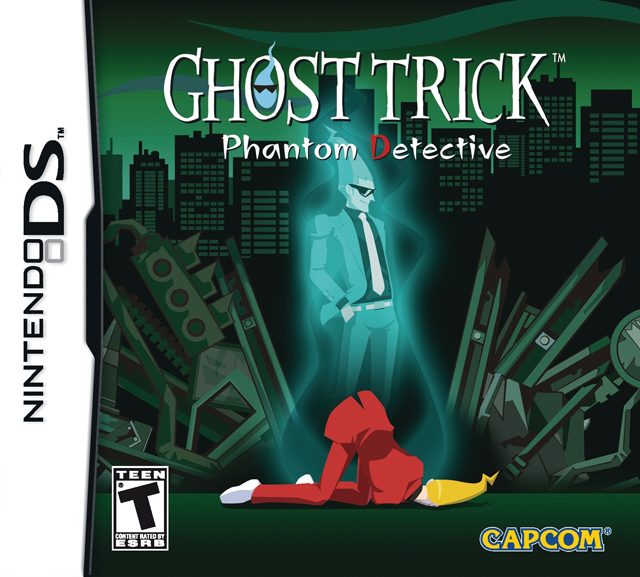
In ‘Ghost Trick,’ you solve puzzles by moving a cursor along paths connecting different objects. The game highlights which connections are possible for the ghost, and timed sections allow you to plan a series of actions. The controls are designed to be clear and easy to use, with visual cues to help you chain puzzles together. Capcom created this system to visually represent how the ghost possesses and interacts with the world.
‘Little Inferno’ (2012)
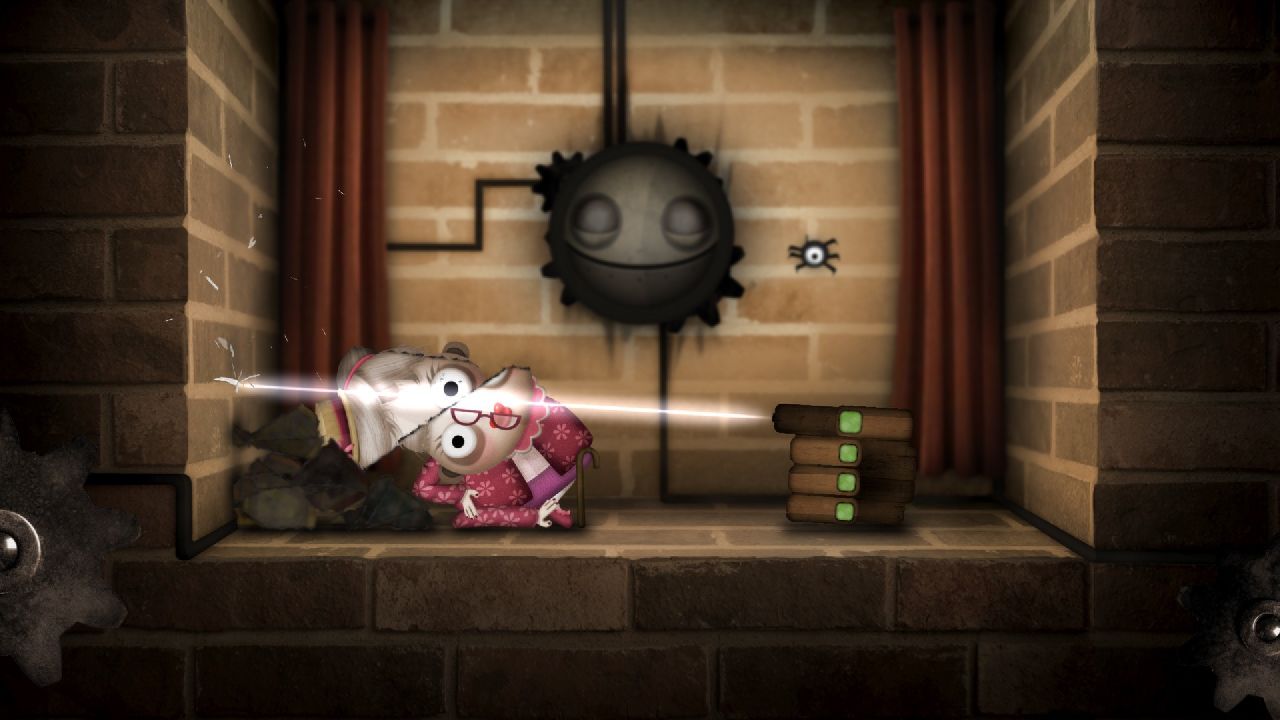
In ‘Little Inferno’, you control everything with a simple hand cursor. You pick up, toss, and burn objects in a virtual fireplace. The game is designed so that how fast you move the cursor affects how things heat up and react, creating a surprisingly physical feel without needing buttons or menus. Discovering powerful combinations involves carefully placing and timing your actions, with visual cues and feedback helping you along the way. The developers, Tomorrow Corporation, intentionally built the entire game around this single, direct cursor control.
‘Papers, Please’ (2013)

In the game ‘Papers, Please,’ you’re constantly switching between stamping, inspecting documents, checking the rulebook, and using scanners. The game clearly shows which tool you’re using through both its shape and sound. When you drag documents, the game automatically checks them, and any errors are highlighted right where your cursor is. While the game puts you under time pressure, it’s forgiving with its controls, making the cursor feel quick and accurate. The game’s designer, Lucas Pope, released it through 3909 LLC, and the cursor is central to how the game works.
‘Undertale’ (2015)
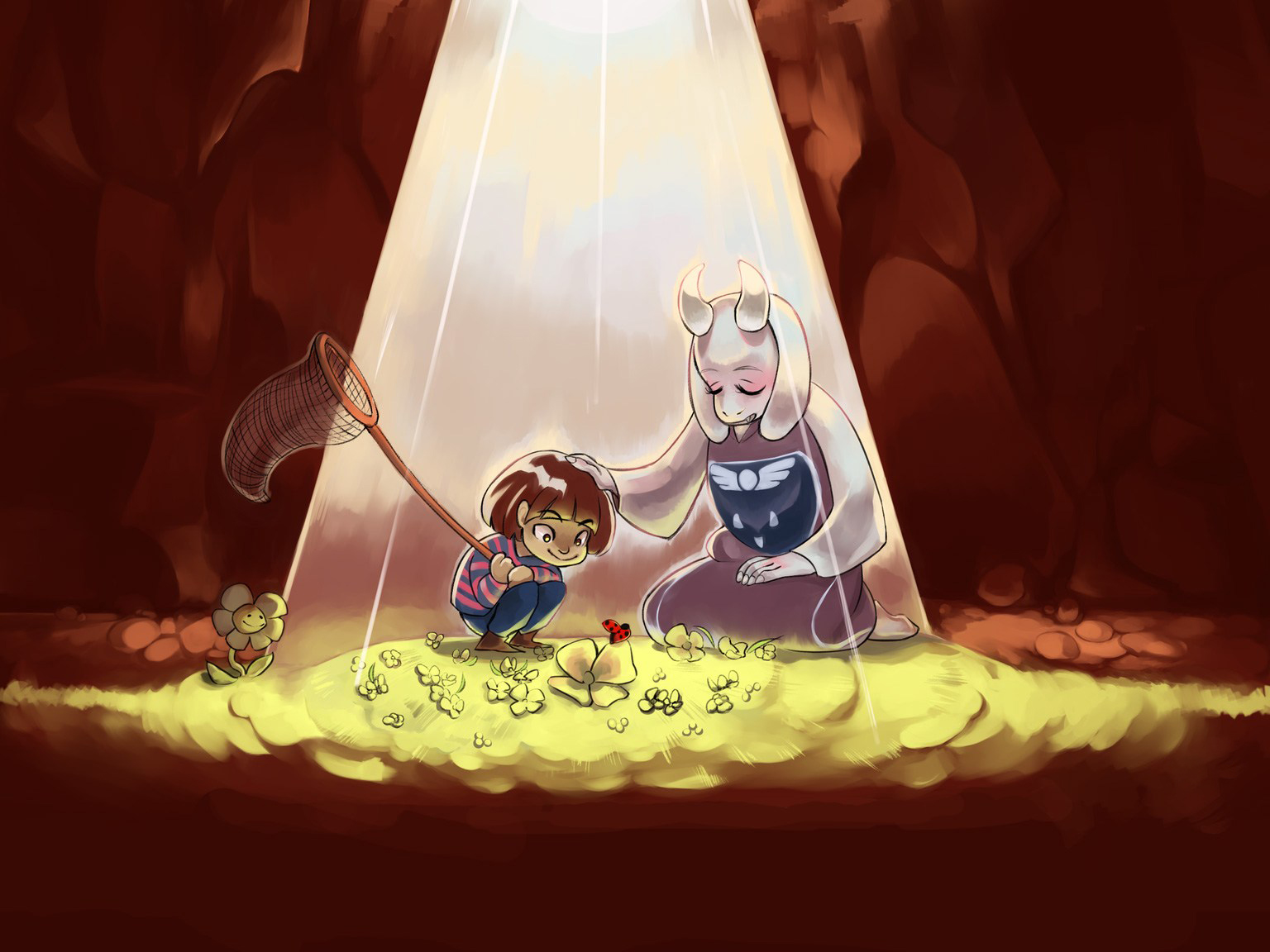
In battles within the game ‘Undertale’, players control a heart-shaped cursor to avoid waves of attacks, similar to a bullet-hell game, all within a defined space. This cursor changes color and how it moves depending on different ‘SOUL’ modes, affecting things like how slippery it is, gravity, and what actions are possible. The game is carefully designed so that precise cursor control is the main way players demonstrate their skill, and the developer, Toby Fox, intentionally made moving the on-screen interface the core of the combat system.
‘Super Mario Maker’ (2015)
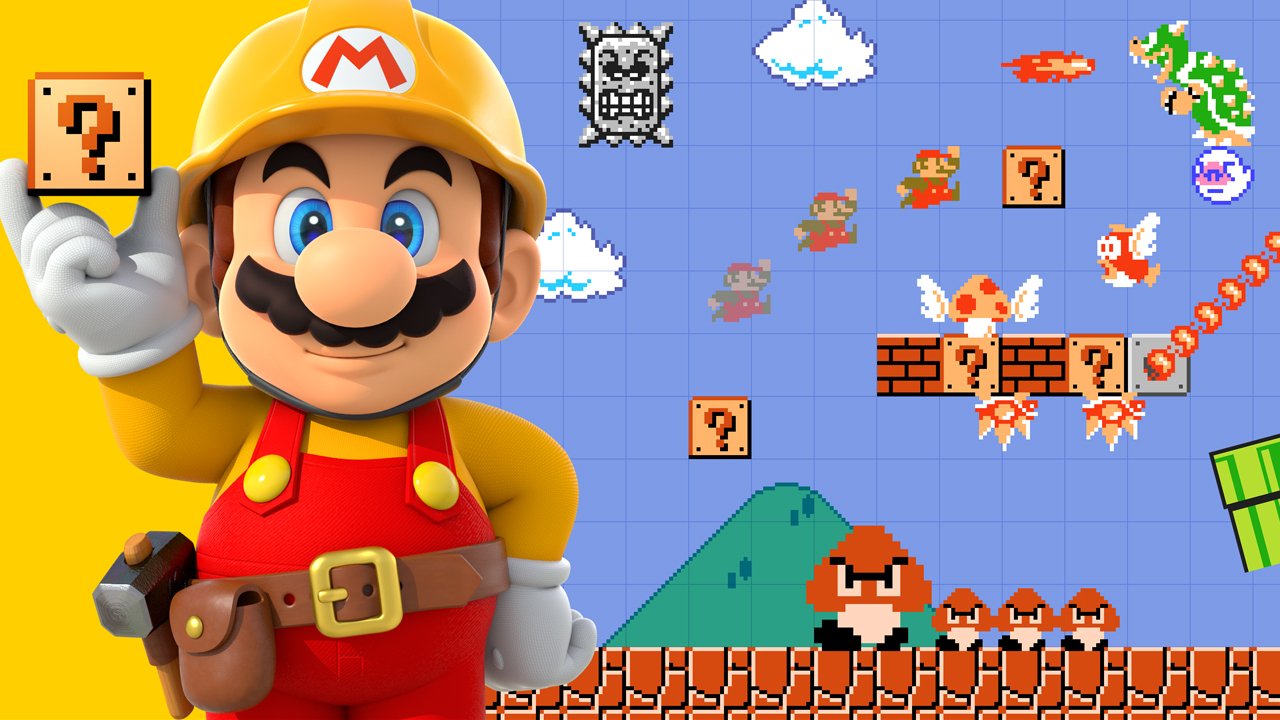
Super Mario Maker lets you build levels using a simple, intuitive hand cursor. You can place and edit tiles, and see how changes affect the gameplay in real-time with helpful tips. Quickly add repeating elements, transform objects with gestures, and instantly test your creation with a single tap. Nintendo designed this system to make level creation feel as natural as drawing.
‘The Witness’ (2016)
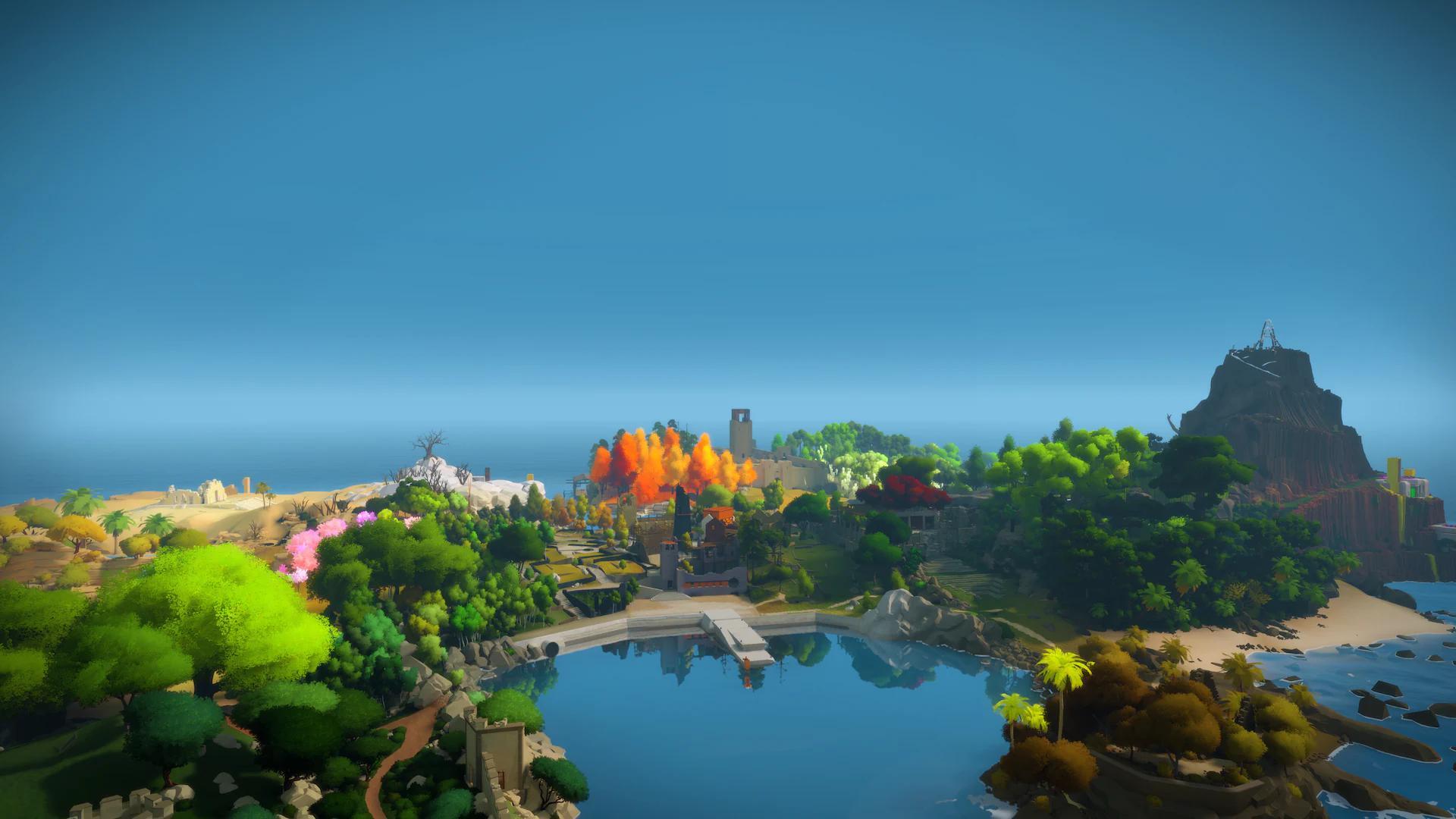
In the game ‘The Witness’, you solve puzzles by drawing lines on panels. The game teaches you the rules – like where to start and end, and how symmetry works – not with words, but by letting you experiment with the drawing itself. The way the line moves feels smooth and natural, but still allows for precise solutions. The developers at Thekla, Inc. intentionally made the pointer and the act of drawing the only way to understand the game’s challenges.
‘Return of the Obra Dinn’ (2018)
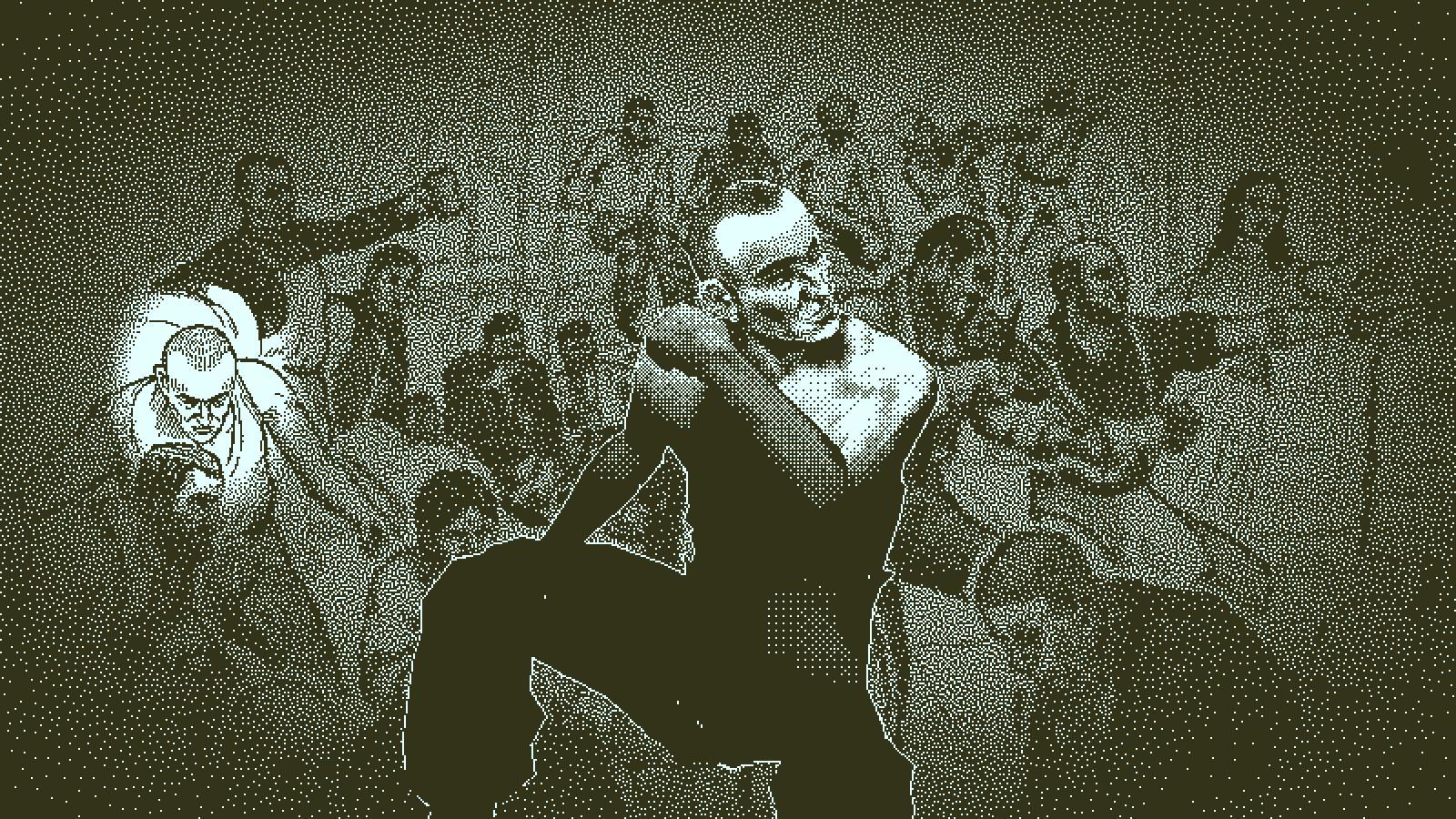
The game ‘Return of the Obra Dinn’ cleverly uses the cursor to help players investigate. When near a corpse, the cursor changes into a pocket-watch, signaling that a memory can be accessed. Helpful labels and character names pop up as you move the cursor around, guiding your investigation without needing extra menus. The game’s visuals are in a unique 1-bit style, and the cursor design fits this look while remaining clear and easy to see. Developer Lucas Pope carefully designed the cursor to make sure the process of figuring out what happened feels connected to actually examining the scene.
‘Hypnospace Outlaw’ (2019)
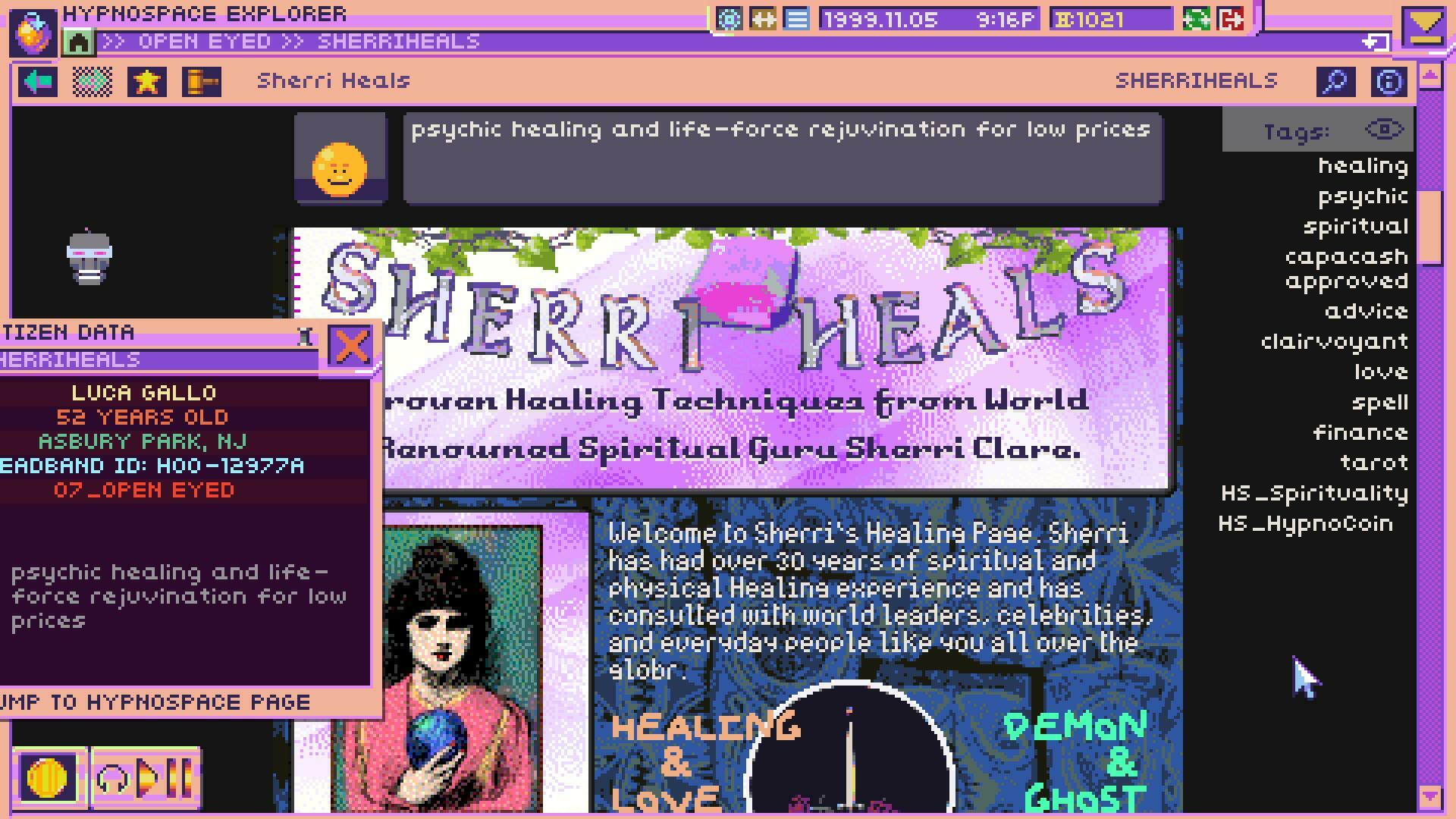
In ‘Hypnospace Outlaw,’ the computer cursor isn’t just a pointer – it’s designed to feel like a relic of the late 1990s internet. It features customizable designs, visual effects, and tools for managing online content. When you perform actions like downloading files or removing viruses, the cursor itself visually shows the progress and any potential risks. It also subtly teaches you how to use the game’s fake operating system. The developers at Tendershoot intentionally made the cursor a key part of creating the believable atmosphere of an alternate internet.
‘Inscryption’ (2021)
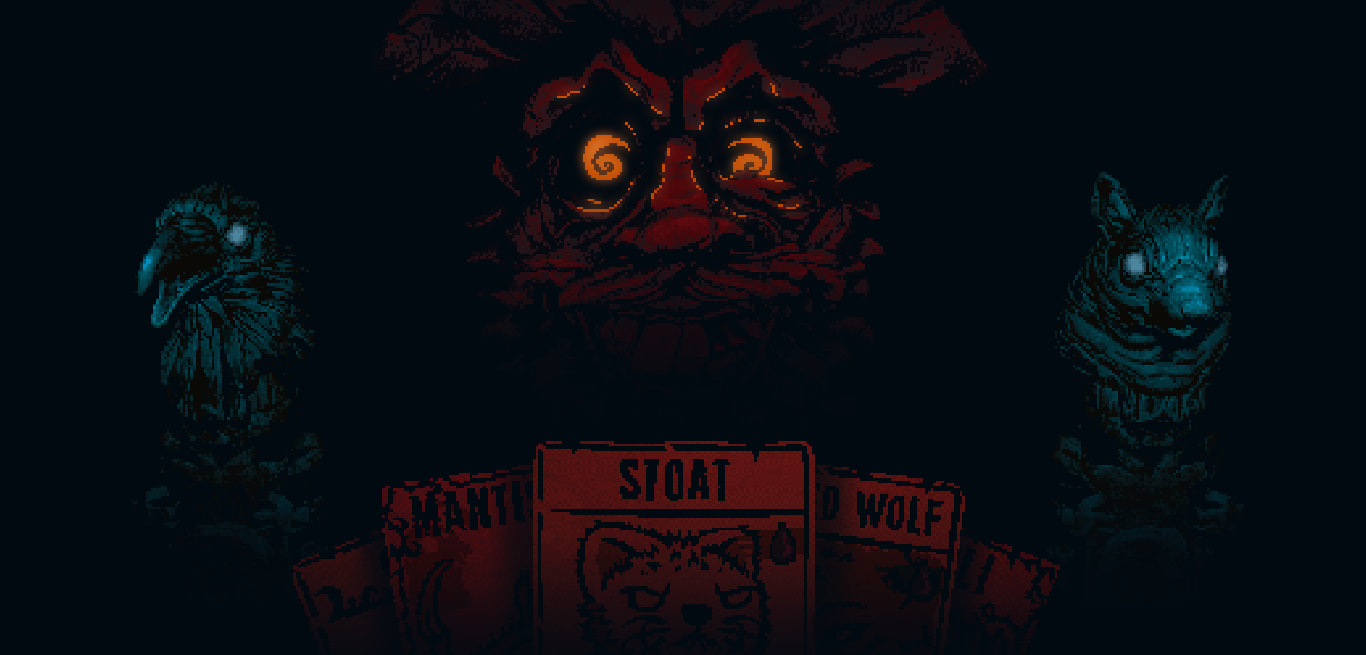
In the game ‘Inscryption’, you control everything with a hand that appears on screen. You use it to grab cards, balance scales, and solve puzzles around the game table. The game cleverly highlights things you can interact with, and makes it easy to place items correctly on the board. This hand also helps keep the game’s interface consistent, even when ‘Inscryption’ unexpectedly changes genres. The developers at Daniel Mullins Games designed this system to seamlessly blend card gameplay with environmental puzzles, all controlled with a single, consistent cursor.
‘Chicory: A Colorful Tale’ (2021)

In ‘Chicory’, you play as a paintbrush cursor, using color to solve puzzles and explore the world. You can change the size and texture of your brush with easy controls. Progress is made by painting in specific places and in certain ways – revealing hidden paths or powering up machines. The game provides helpful on-screen previews to make puzzle-solving clear. Created by Greg Lobanov and a team, and published by Finji, ‘Chicory’ cleverly uses painting not just as an action, but as the core mechanic of the game.
Tell us about any cool or interesting things you’ve seen cursors do! What examples did we leave out that you think should be mentioned?
Read More
- Games That Faced Bans in Countries Over Political Themes
- Gold Rate Forecast
- Silver Rate Forecast
- Unveiling the Schwab U.S. Dividend Equity ETF: A Portent of Financial Growth
- 22 Films Where the White Protagonist Is Canonically the Sidekick to a Black Lead
- Superman Flops Financially: $350M Budget, Still No Profit (Scoop Confirmed)
- 20 Movies Where the Black Villain Was Secretly the Most Popular Character
- Celebs Who Narrowly Escaped The 9/11 Attacks
- 14 Movies Where the Black Character Refuses to Save the White Protagonist
- The Best Directors of 2025
2025-11-17 02:50